


Prospect. Pitch. Close.
Seamless and Salesforce are a match made in heaven. Integrate your Salesforce CRM and build an efficient, scalable, and truly unstoppable workflow.
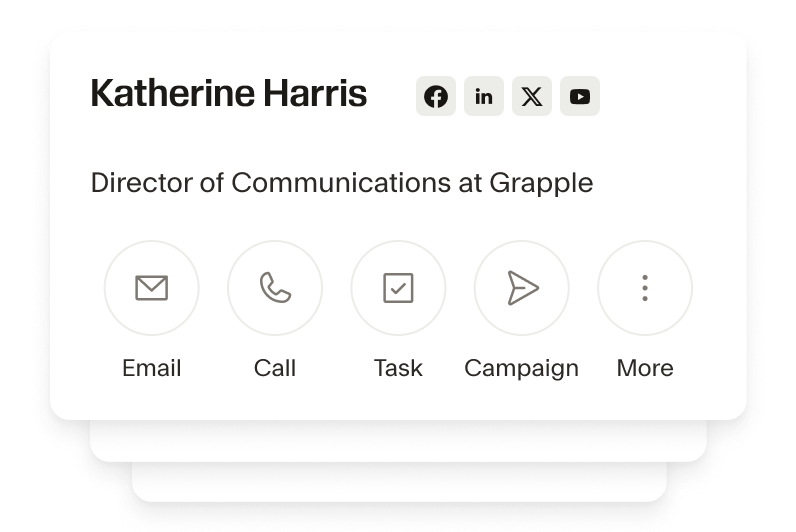
Make lead research a breeze
With Seamless, make research a breeze. Instantly find emails and mobile phones, get org charts, and build lists of ready-to-buy prospects, so you never miss an opportunity.
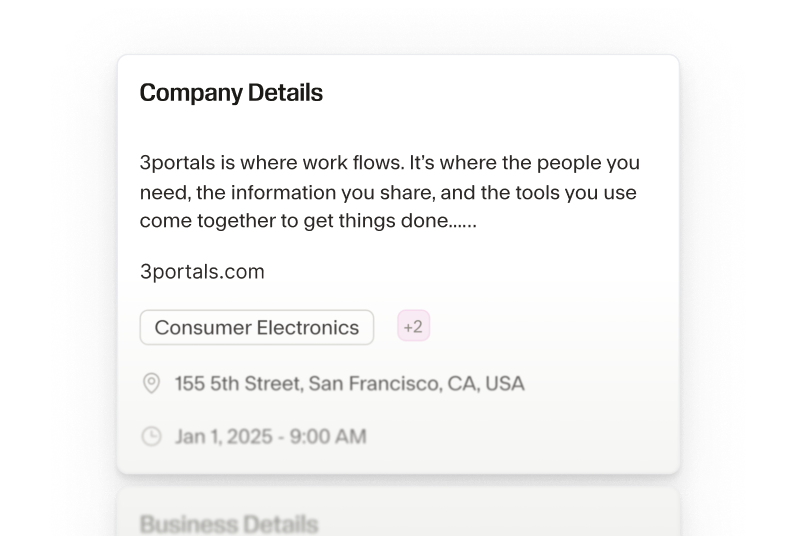
Find hot opportunities and pitch fast
We provide insights from firmographic data to company size and industry intel, so you can get a 360-degree view of every prospect, quickly prioritize hot opportunities, and deliver the right message at the right time.
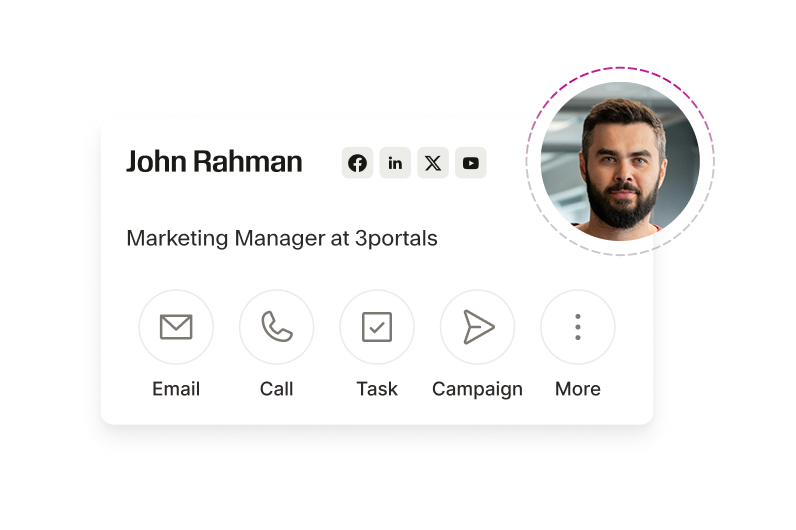
Purge your Salesforce of bad data
Disorganized records slow the sales process to a crawl. Seamless will purge bad contacts in your CRM and identify key players at any account. With automated dupe checks and customized field mapping, import leads with precision.
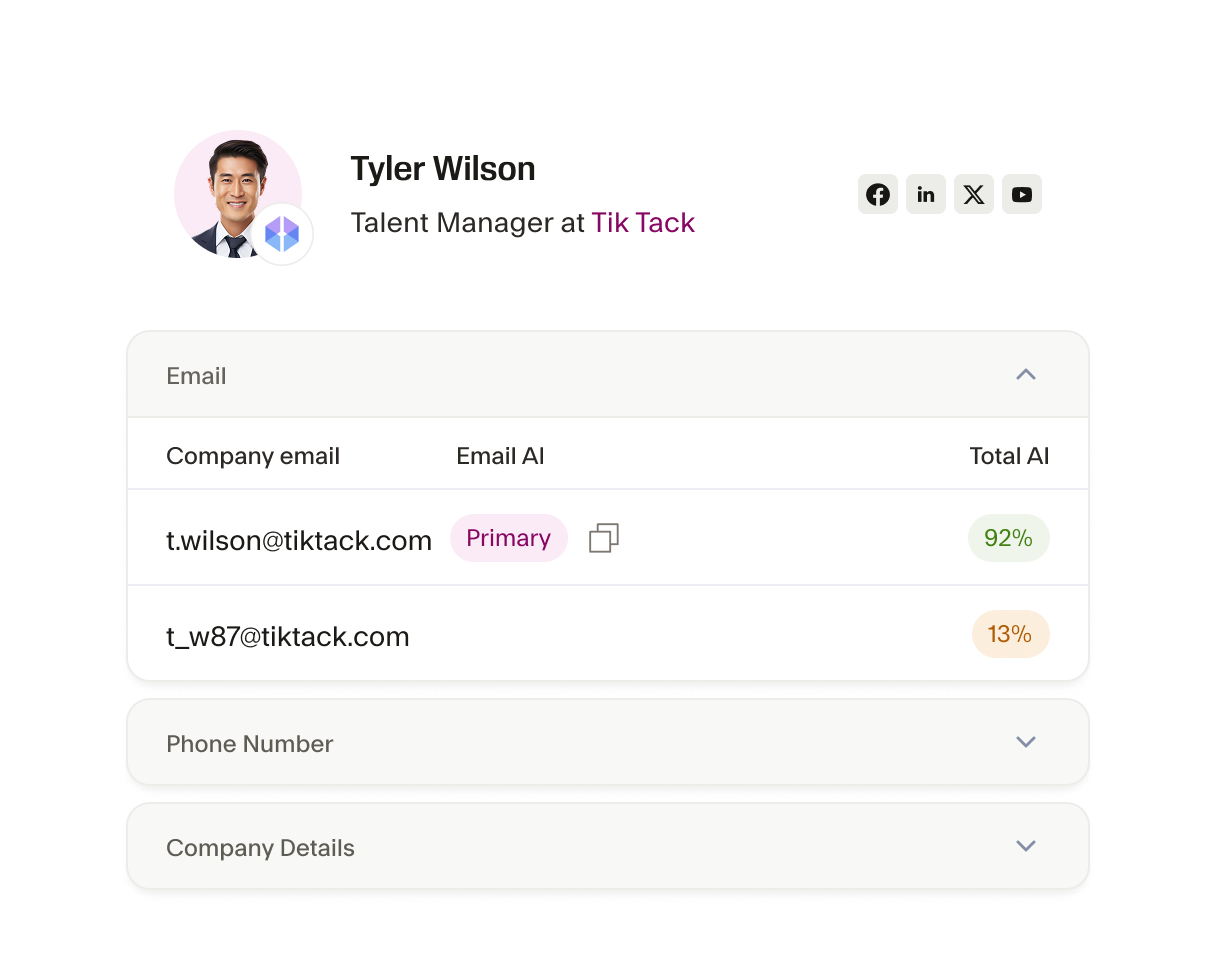
Fill the data gaps In your Salesforce CRM
Are there leads in your CRM missing information? Don’t settle for incomplete contact records. With the Seamless x Salesforce Integration automatically enhance your contact and company profiles with 100+ data points. Make sure your team has the full picture of each contact, including job titles, and social profiles for smarter selling.
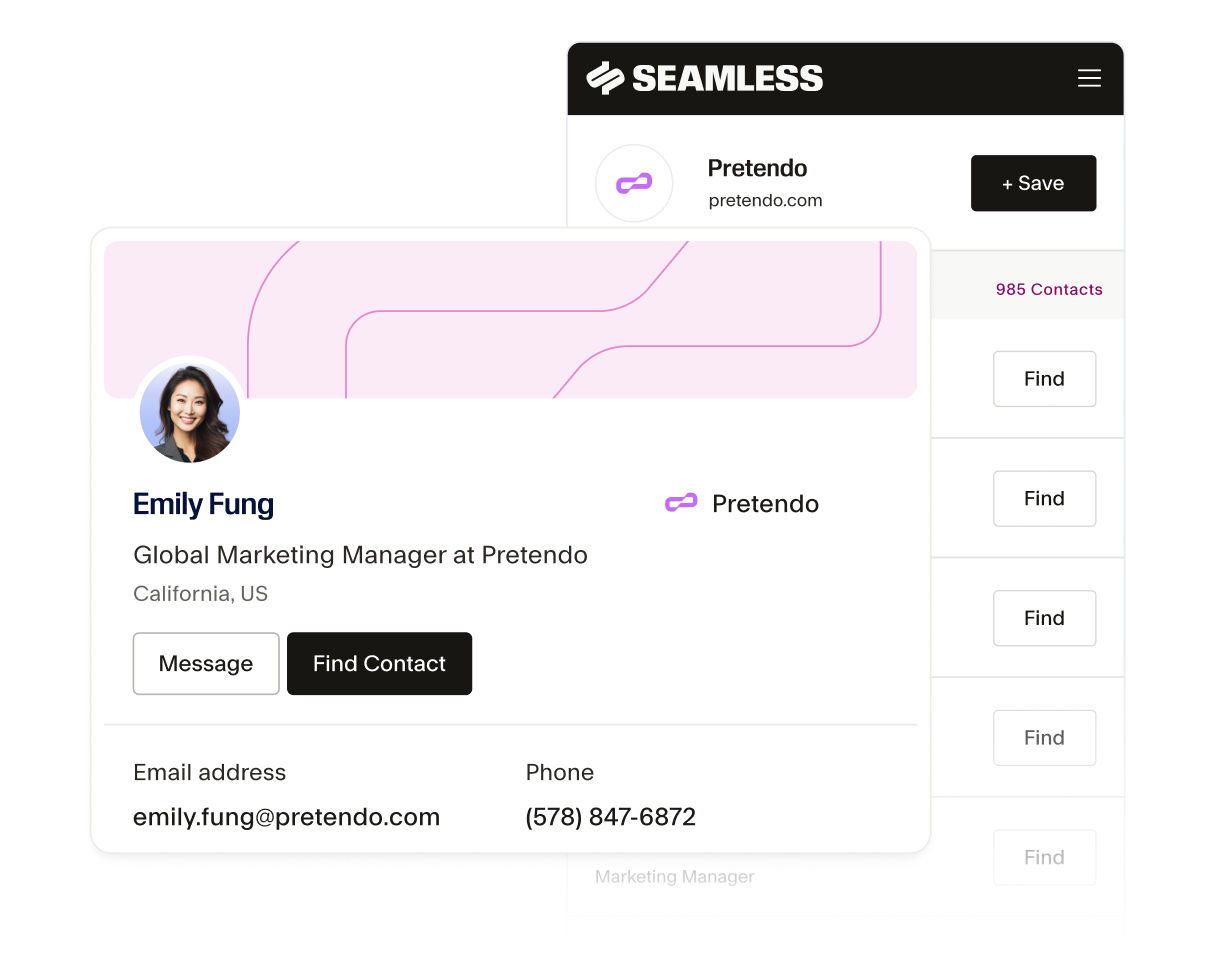
Build lists right in Salesforce with our chrome extension
The Seamless Chrome Extension works directly in Salesforce so you can drive leads right where you do your best work. Enrich your CRM, auto-magically import contact and company data, and build lists of thousands in minutes without leaving your account.
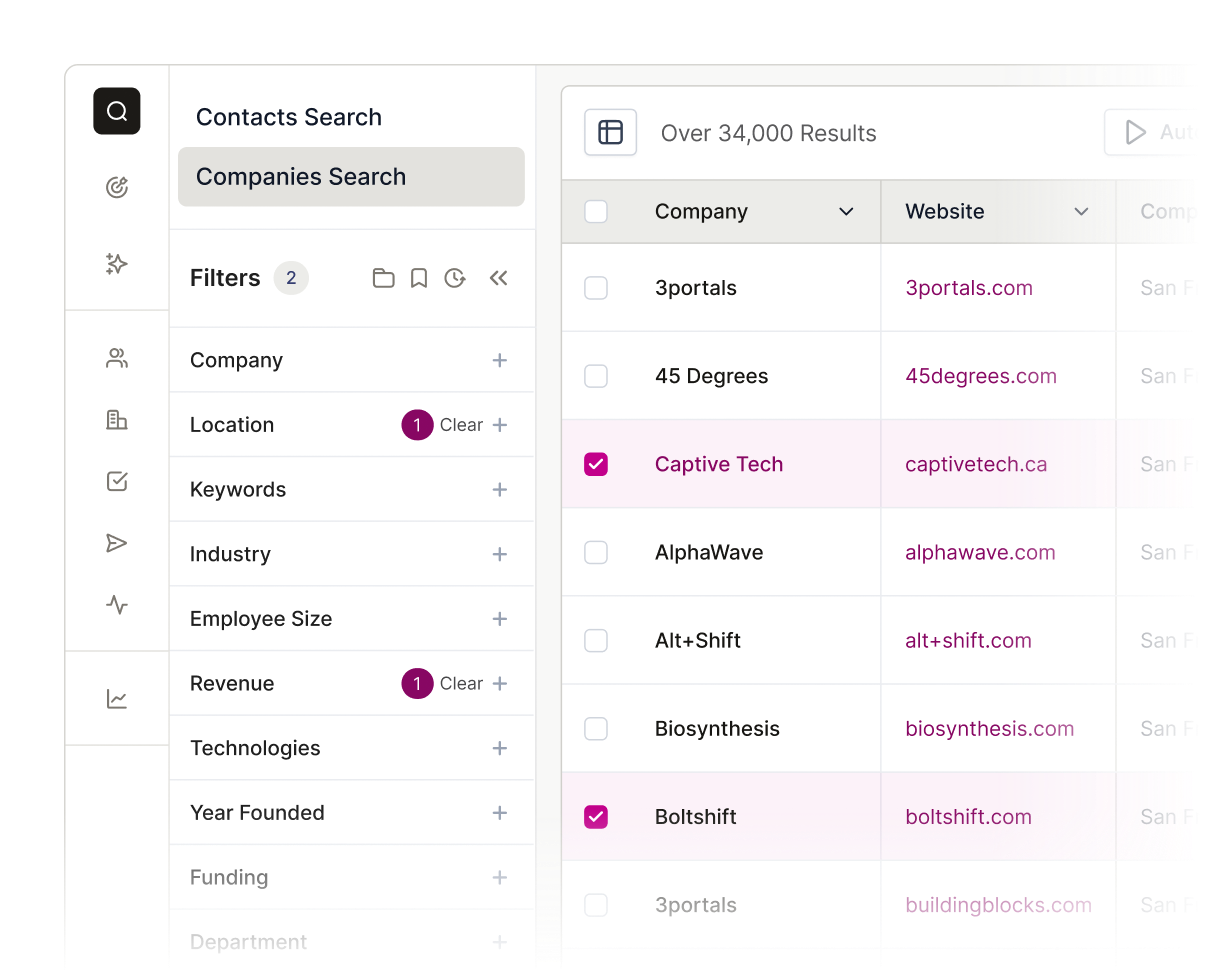
Automate Salesforce campaigns
With Seamless’ advanced search filtering, you can identify look-alike contacts and accounts directly within your Salesforce CRM, and build lists of targets that fit your Ideal Customer Profile. Discover new sales opportunities and put together high converting campaigns with high-potential leads.
The AI power behind every winning team
From first prospect to final deal, Seamless unites real-time, verified data with intelligent automation to help teams sell smarter, grow faster, and power revenue at every stage of growth.





How do I set up the Salesforce integration with Seamless?

What data can be synced between Seamless and Salesforce?
Can I customize the data fields that are imported into Salesforce?
What Salesforce editions come with API access?
What should I do if I encounter issues with my Salesforce integration?