


Elevate your Microsoft ecosystem with Seamless
The Seamless x Microsoft Dynamics 365 integration is designed to compliment the Microsoft ecosystem, from tools like Outlook and Teams to Power BI. Enjoy seamless data flow across your tech stack, improved collaboration, and a more cohesive workflow.
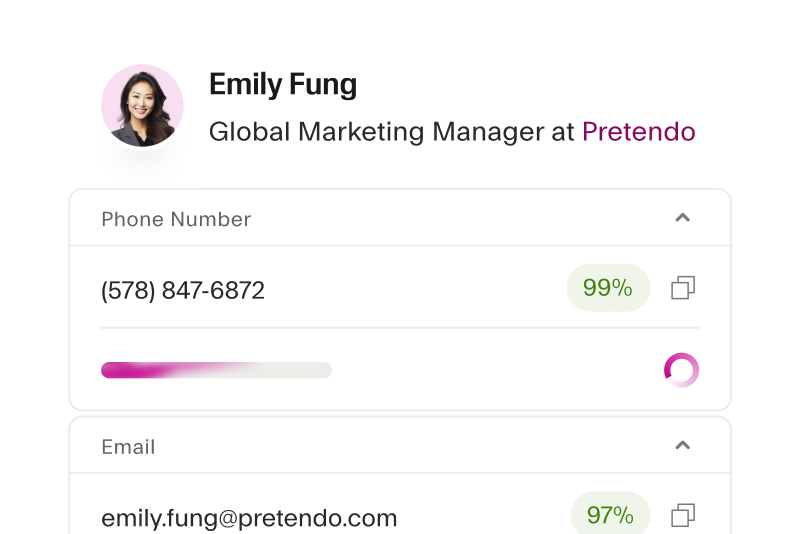
Enjoy enhanced B2B data quality
The Seamless x Microsoft Dynamics integration ensures that emails, phone numbers, and critical contact details are always real-time validated so your sales and marketing teams can align and drive revenue.
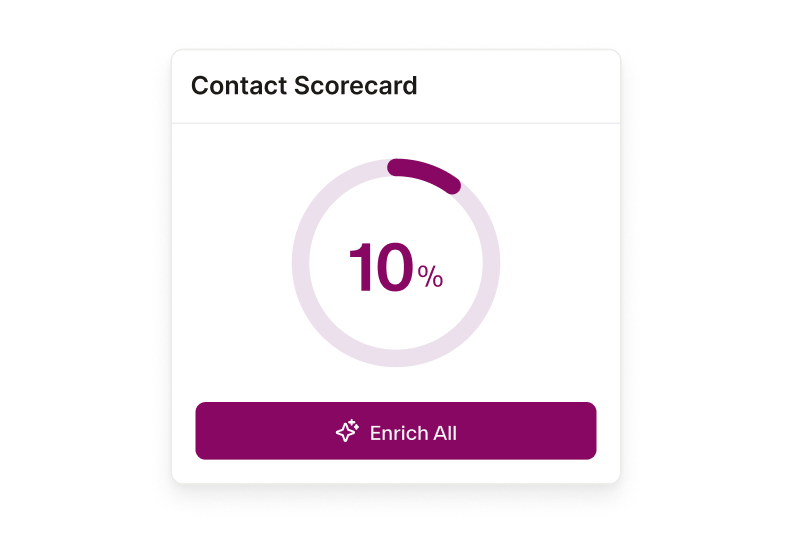
Streamline your workflow
By automatically importing and updating contact information in Dynamics, the Seamless integration eliminates manual data entry so your team can focus on deepening relationships and closing deals.
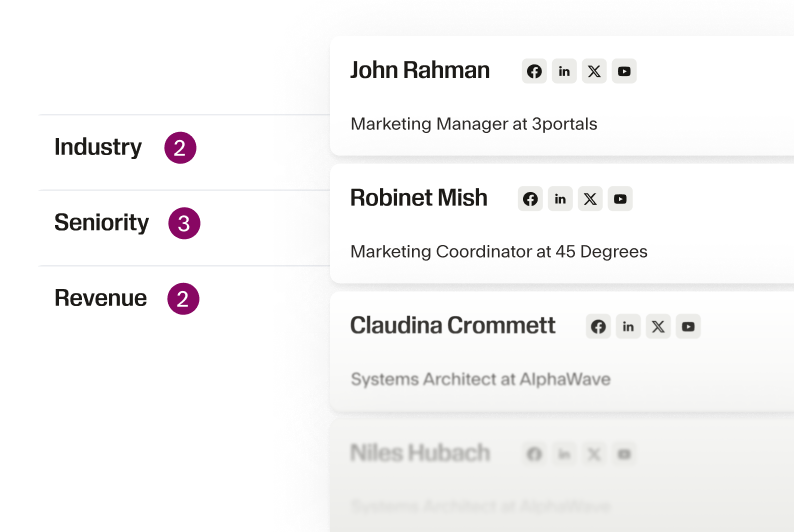
Prioritize high-value leads
With Seamless’ advanced search filtering and 100+ data points, Microsoft Dynamics users can easily find and prioritize high-quality leads that match their ideal customer profiles. Segment like a pro and Increase conversions.
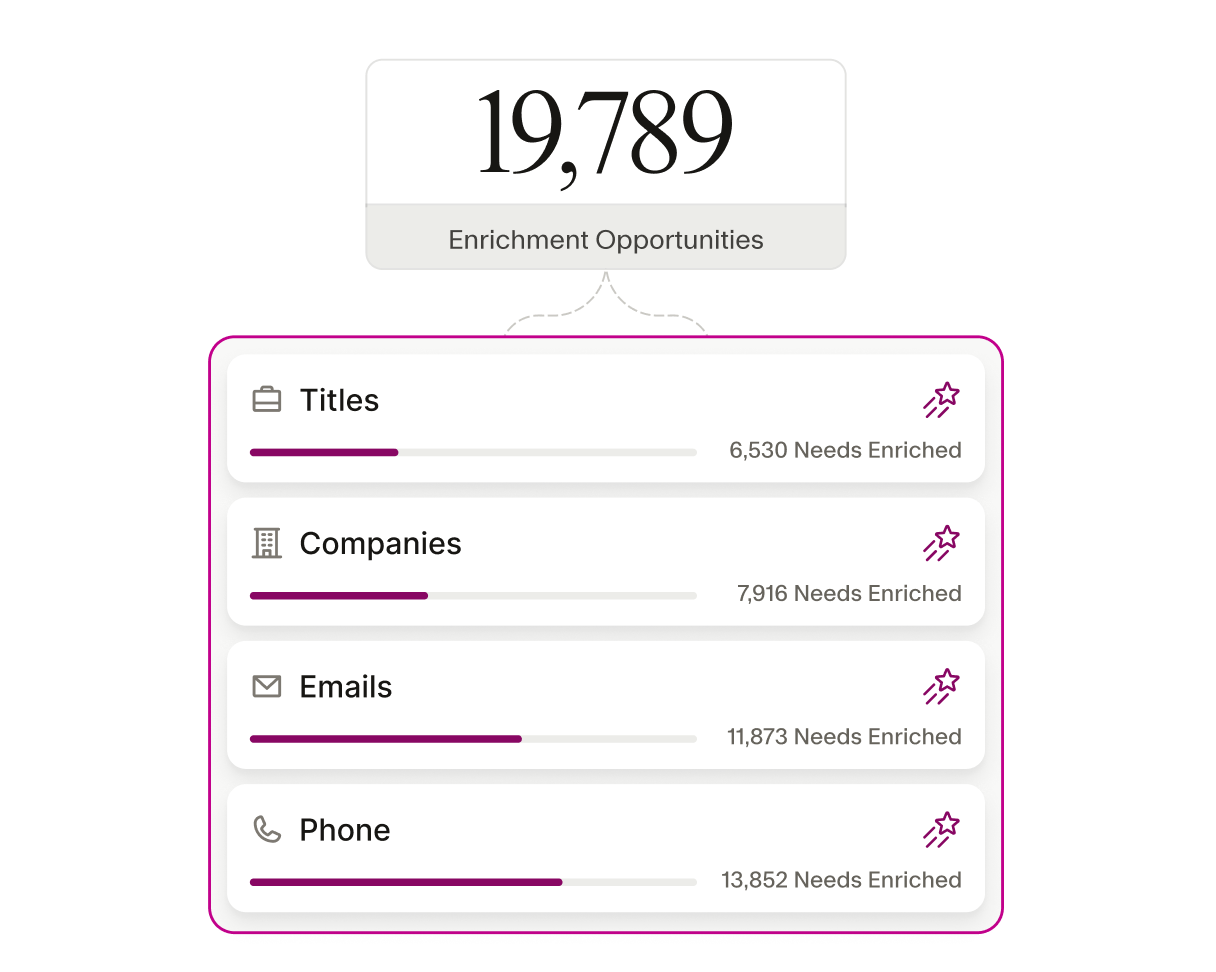
Get actionable insights and analytics
By integrating Seamless, can access enriched data that enhances the analytics and reporting capabilities of Microsoft Dynamics 365. Refine business strategies, more accurately track sales performance metrics, and identify competitive opportunities that may have otherwise been missed.
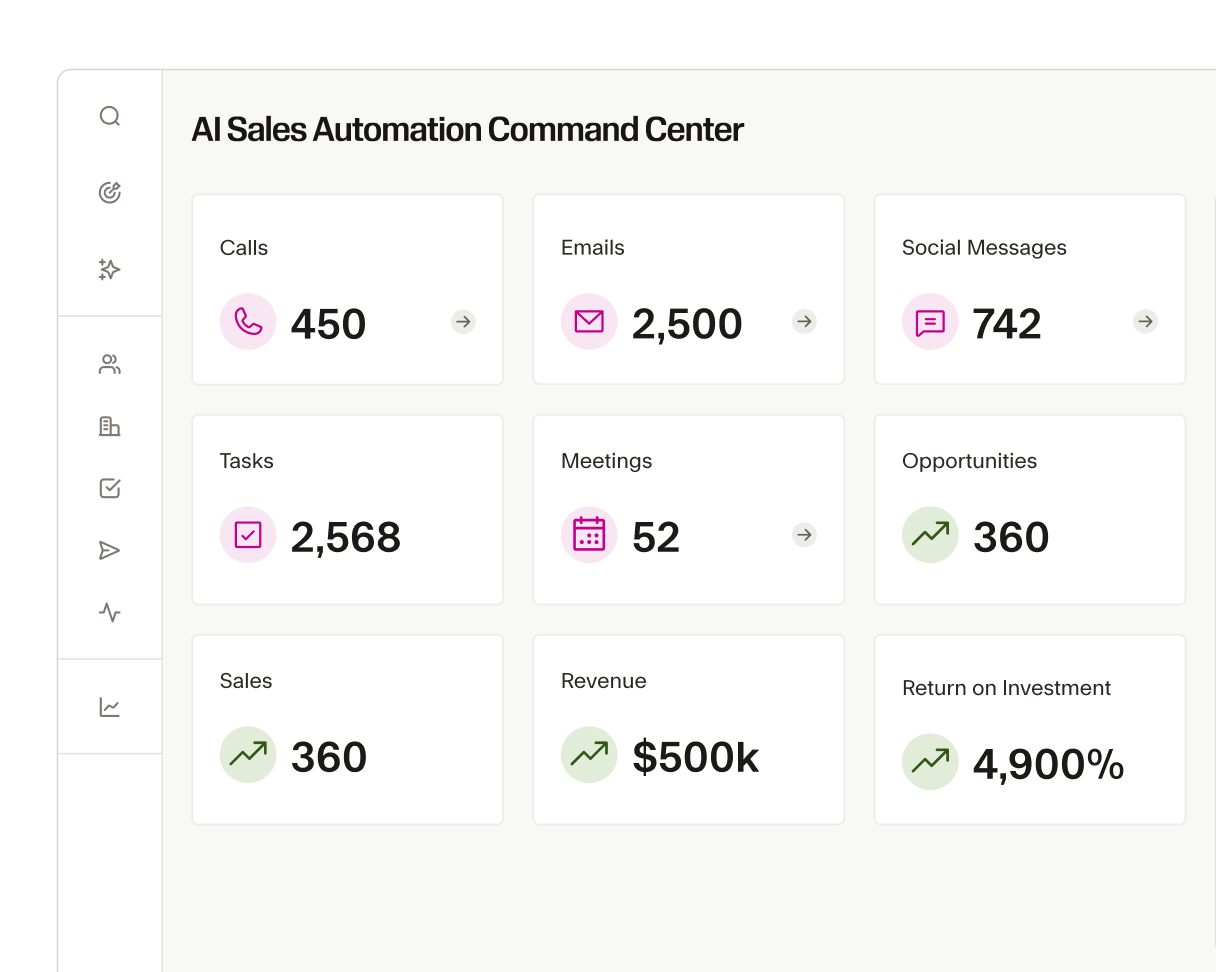
Scalable solution for growing teams
You can customize Seamless to your business’s evolving needs. Whether you're expanding your sales team or increasing your customer base, integrating Seamless and Microsoft Dynamics 365 ensures your business applications remain reliable and powerful to support your growth.
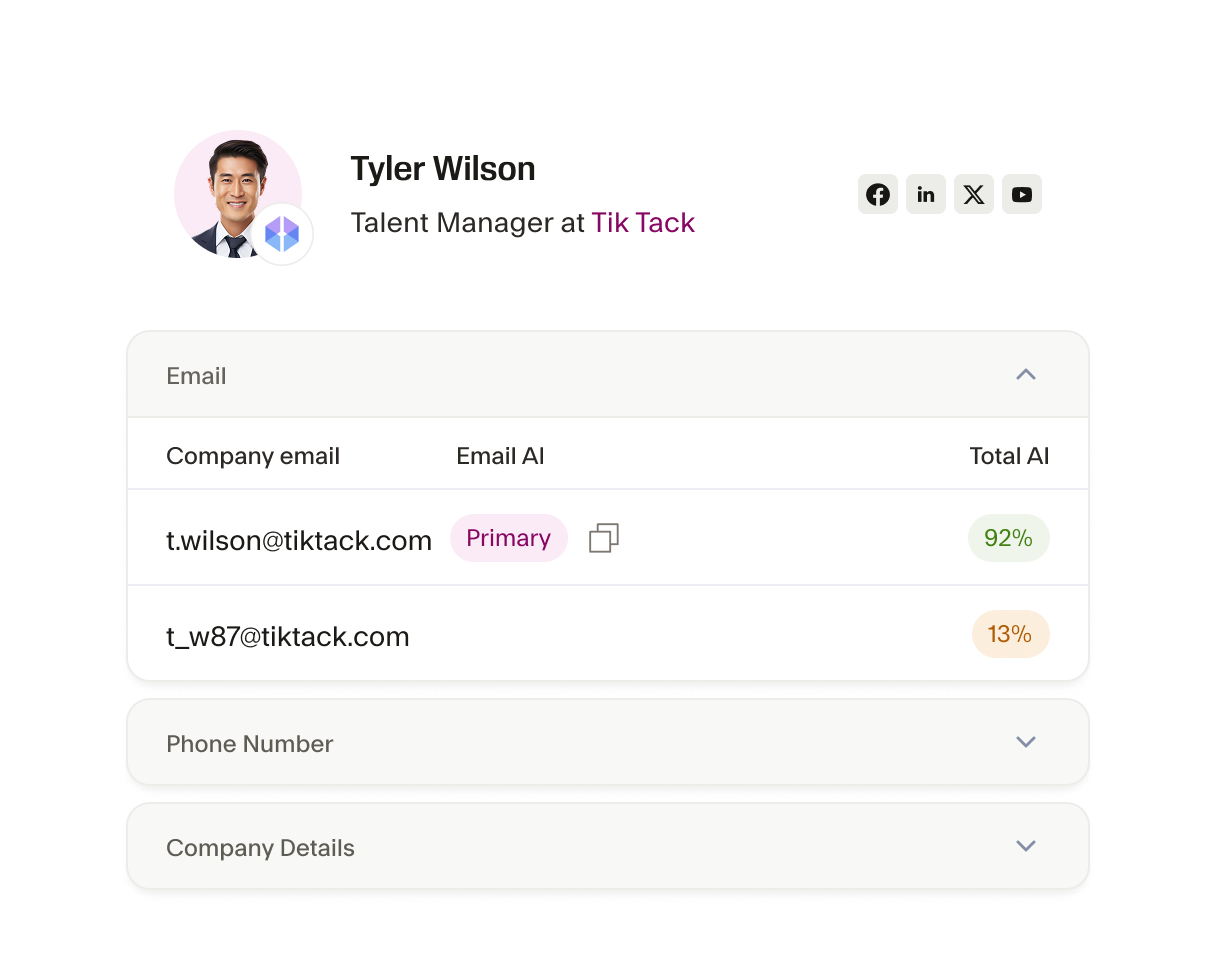
Improved data reliability and compliance
The Seamless x Microsoft Dynamics 365 integration ensures that all imported contact data complies with relevant regulations and standards. This is crucial if you operate in highly regulated industries, where data accuracy and compliance are critical.
The AI power behind every winning team
From first prospect to final deal, Seamless unites real-time, verified data with intelligent automation to help teams sell smarter, grow faster, and power revenue at every stage of growth.






How do I connect my Microsoft Dynamics 365 account to Seamless?

What data can be imported from Seamless into Microsoft Dynamics 365?
Will integrating Seamless with Microsoft Dynamics 365 overwrite my existing data?
How often is data from Seamless updated in Microsoft Dynamics 365?
What should I do if I encounter issues with my Microsoft Dynamics 365 integration?