

Seamless integration with Zoho’s suite of applications
The Seamless x Zoho integration is designed to work harmoniously with other Zoho applications, from Zoho Campaigns to Zoho SalesIQ and Zoho Analytics. This ensures that your team has access to enriched data and is better aligned to drive revenue.
Automated data enrichment for a holistic customer view
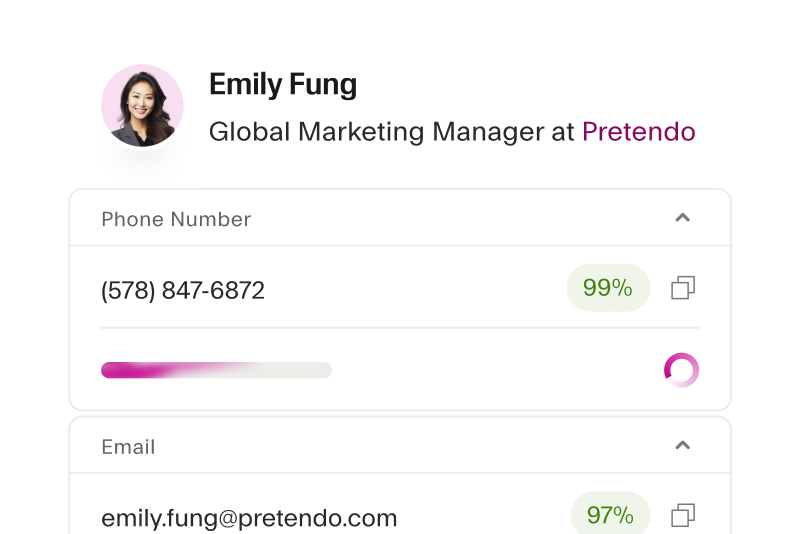
Seamless automatically fills in missing data like emails, phone numbers, and job titles, to give you a comprehensive view of your contacts. Make sure customer profiles are always up-to-date with real-time verified B2B data.
Streamlined lead generation and qualification
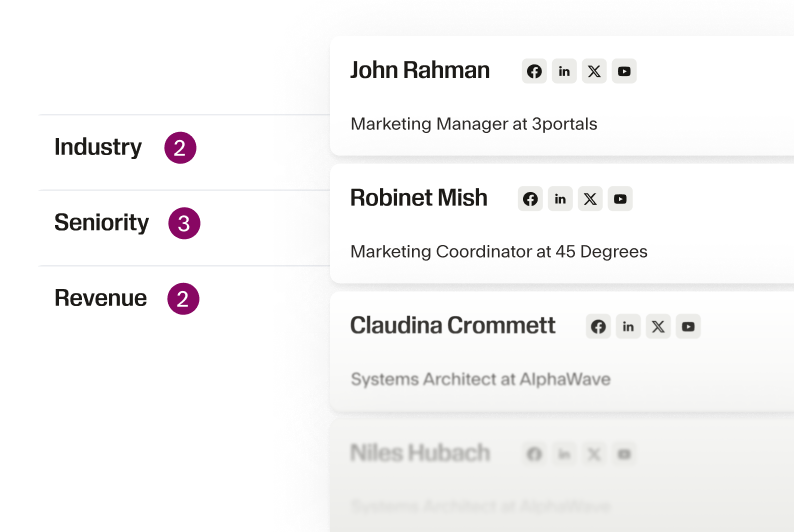
The Seamless x Zoho integration allows you to import high quality leads that match your ideal customer profile into Zoho CRM. Spend less time building lists, and more time engaging your most promising prospects.
Customizable workflows for improved efficiency
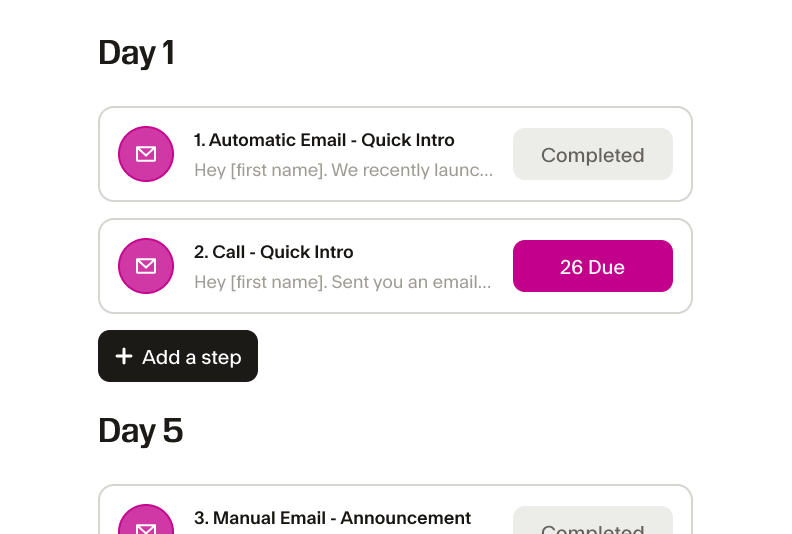
The Seamless x Zoho integration allows you to customize your sales workflow, whether you want to automate data imports or set up custom triggers. Boost productivity and crush your business goals.
Cost-effective solution for growing businesses
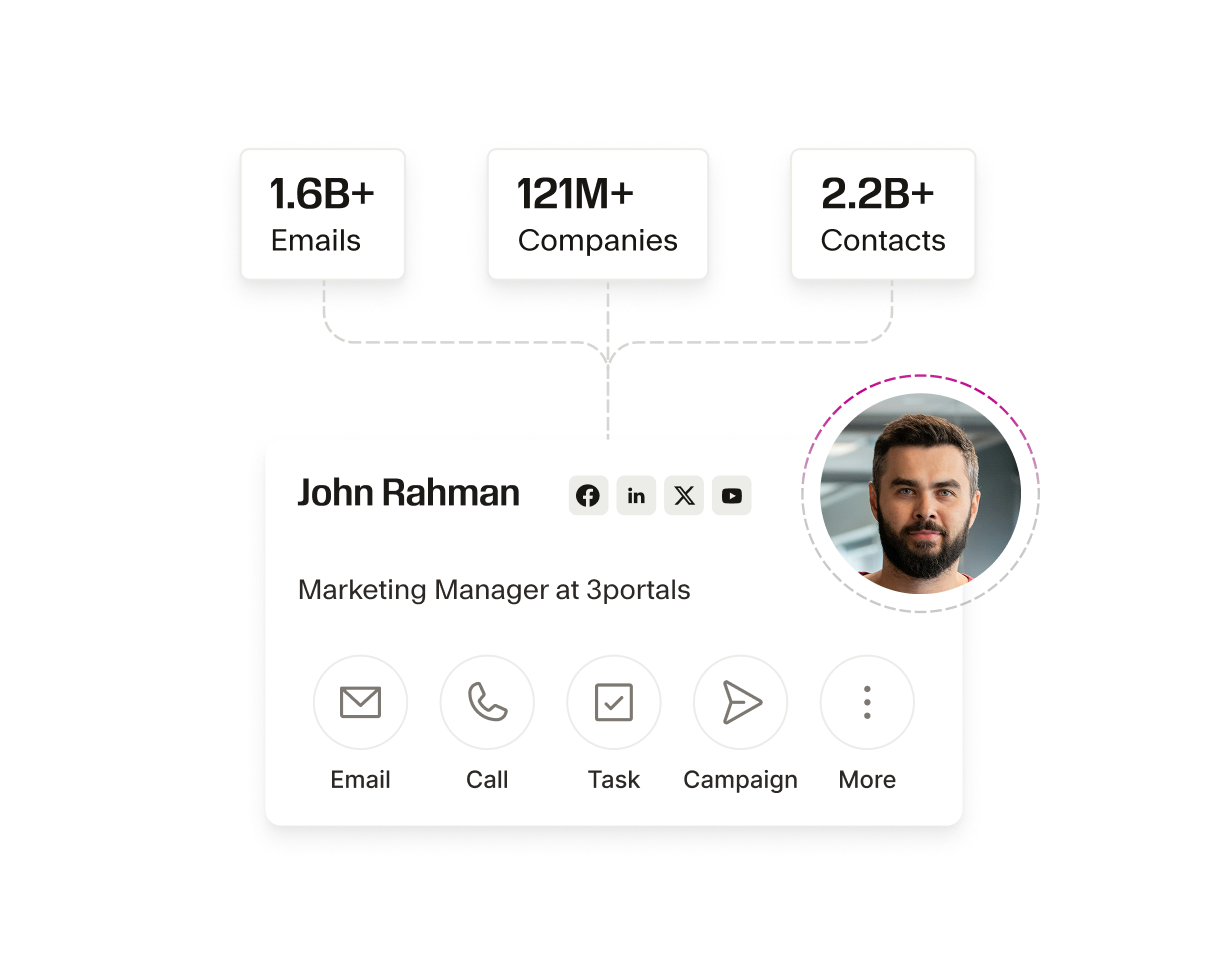
Zoho offers affordable, scalable solutions for businesses of all sizes. The Seamless integration complements this by providing a cost-effective way to enrich your CRM with high-quality data, without the need for manual data entry. As your business grows, Seamless scales with you, so your CRM remains a valuable, accurate resource without breaking the bank.
Enhanced collaboration across teams
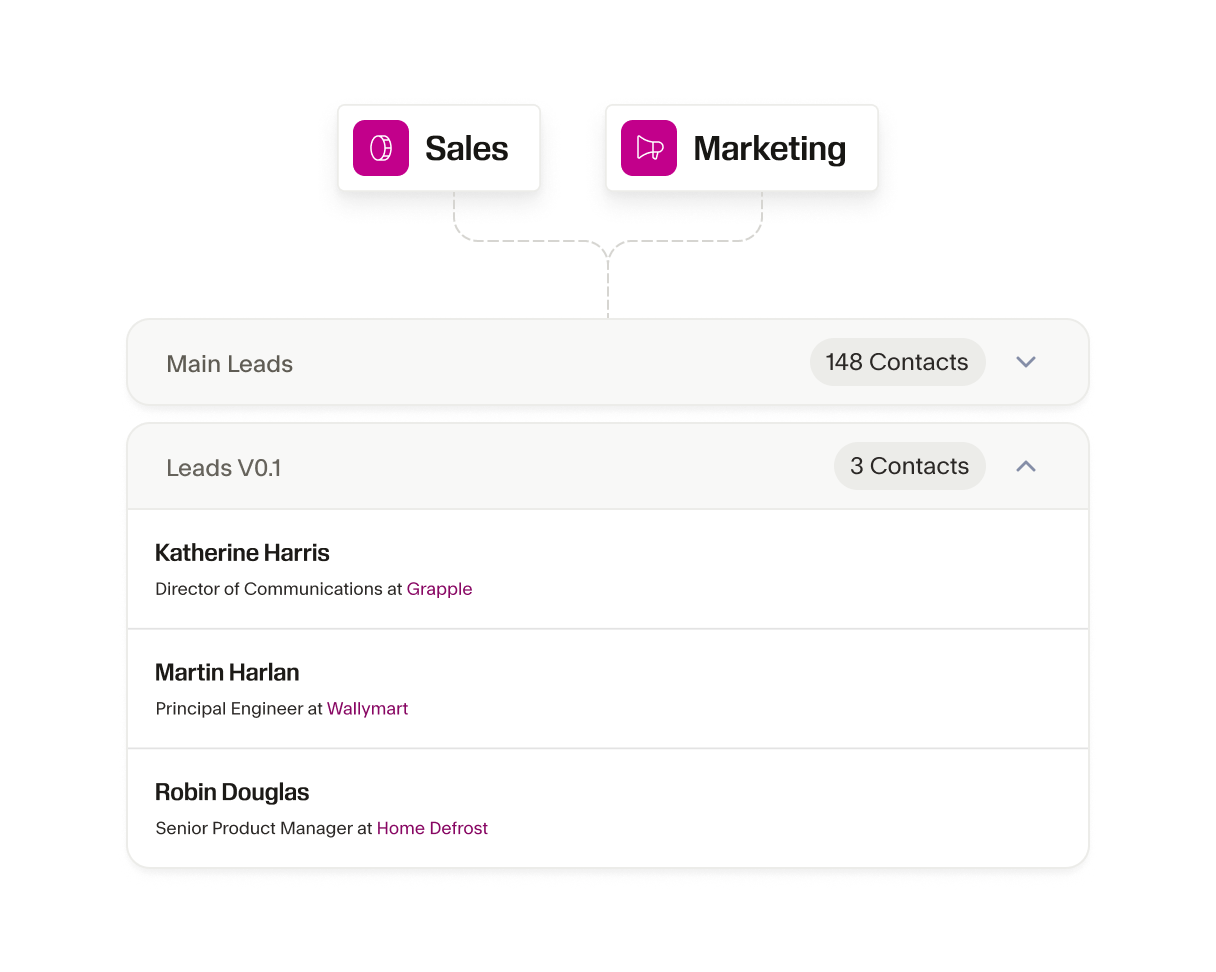
With Seamless integrated into Zoho CRM, your sales, marketing, and support teams can collaborate more easily. Your sales and marketing teams can better align and fuel their customer engagement strategy with access to the most accurate B2B insights and contact info on the market.
Automated data hygiene for better CRM management
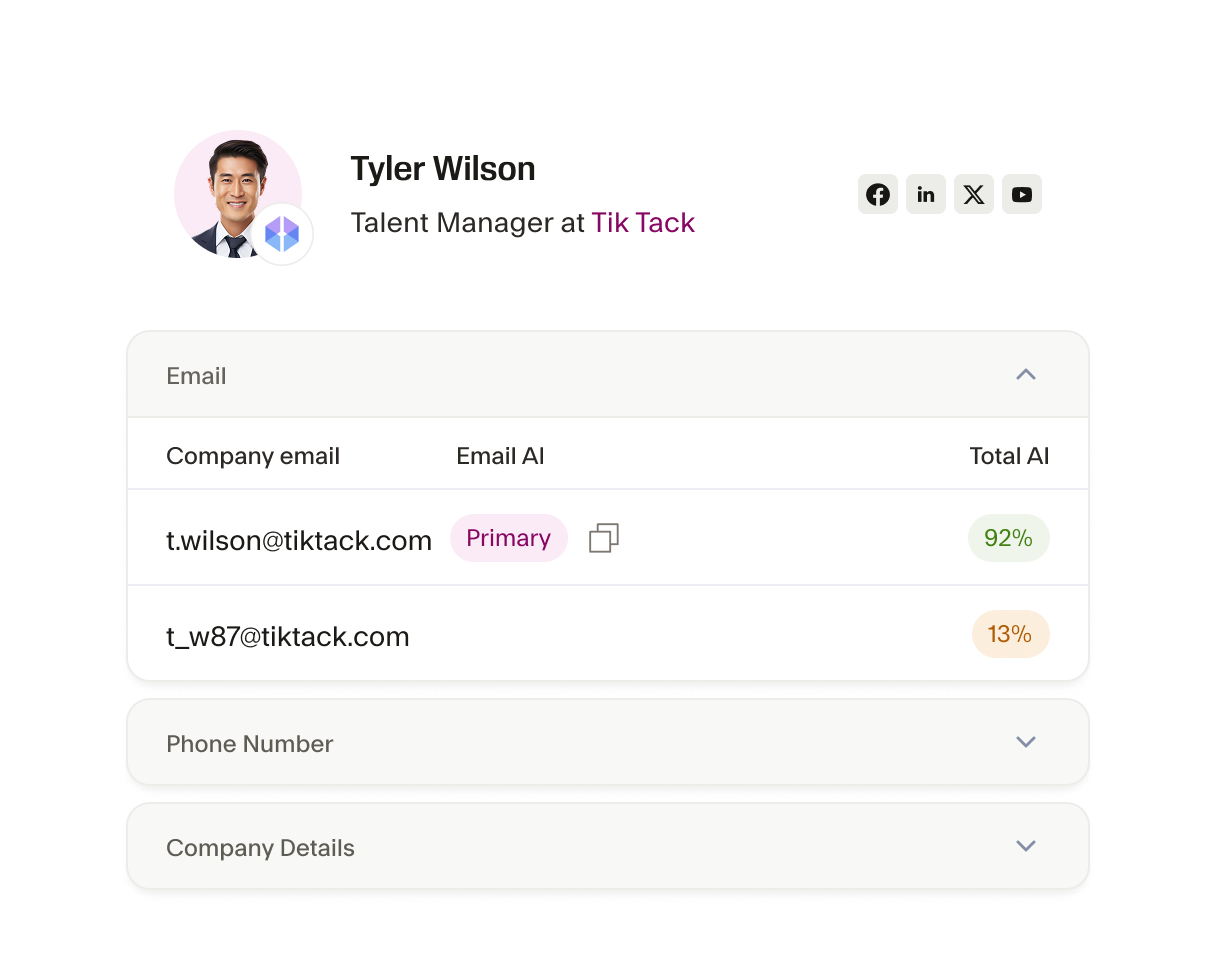
One of the common challenges Zoho users face is maintaining clean and organized data. The Seamless integration helps automate data hygiene by regularly updating and verifying contact information within Zoho CRM. This reduces the risk of duplicate or outdated data, ensuring that your CRM is always in top shape.
The AI power behind every winning team
From first prospect to final deal, Seamless unites real-time, verified data with intelligent automation to help teams sell smarter, grow faster, and power revenue at every stage of growth.






How do I connect my Zoho account to Seamless?

What data can be transferred from Seamless to Zoho CRM?
Will the Seamless integration overwrite existing data in Zoho CRM?
Can I customize which fields are imported from Seamless into Zoho CRM?
What should I do if I encounter issues with my Zoho integration?