
What is Zapier?
Zapier is an automation tool that allows you to connect different apps, automate workflows, and get Seamless contacts into your favorite platform in a few clicks.
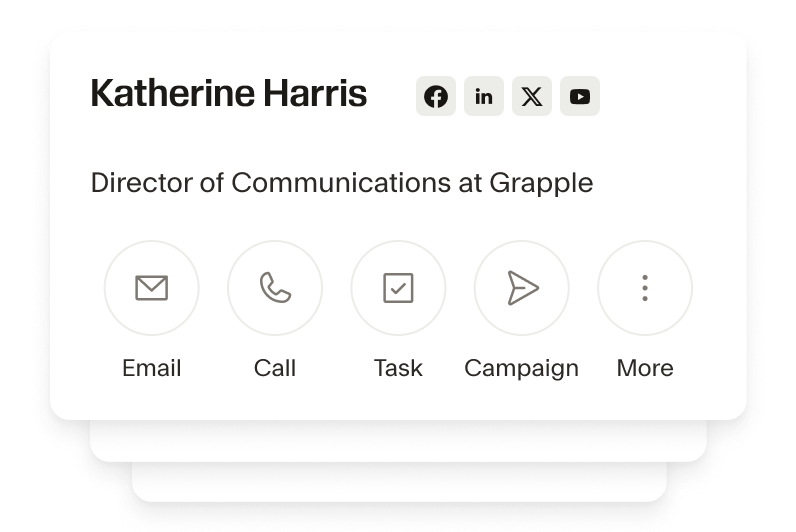
Automate data entry
With Zapier and Seamless connected, say goodbye to manual data entry. Automatically export contact details and leads directly into your CRM. Save time cut out human errors with our world-class AI.
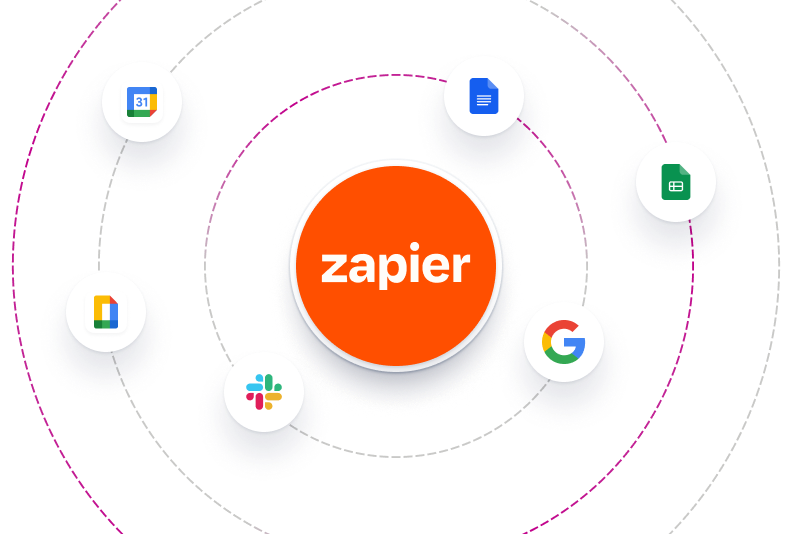
Connect with 6,000+ apps
With Zapier, you can integrate Seamless with over 6,000 apps including Gmail, Google Sheets, and more. Sync leads with your email platform or trigger Slack notifications when new contacts are found. Anything is possible with our Zapier integration.

Streamline your workflow
Zapier allows you to create multi-step workflows, so you can automate repetitive tasks across multiple apps. Set up a workflow that searches for a contact on Seamless, enriches their data, and automatically imports it into your CRM, speeding up outreach.
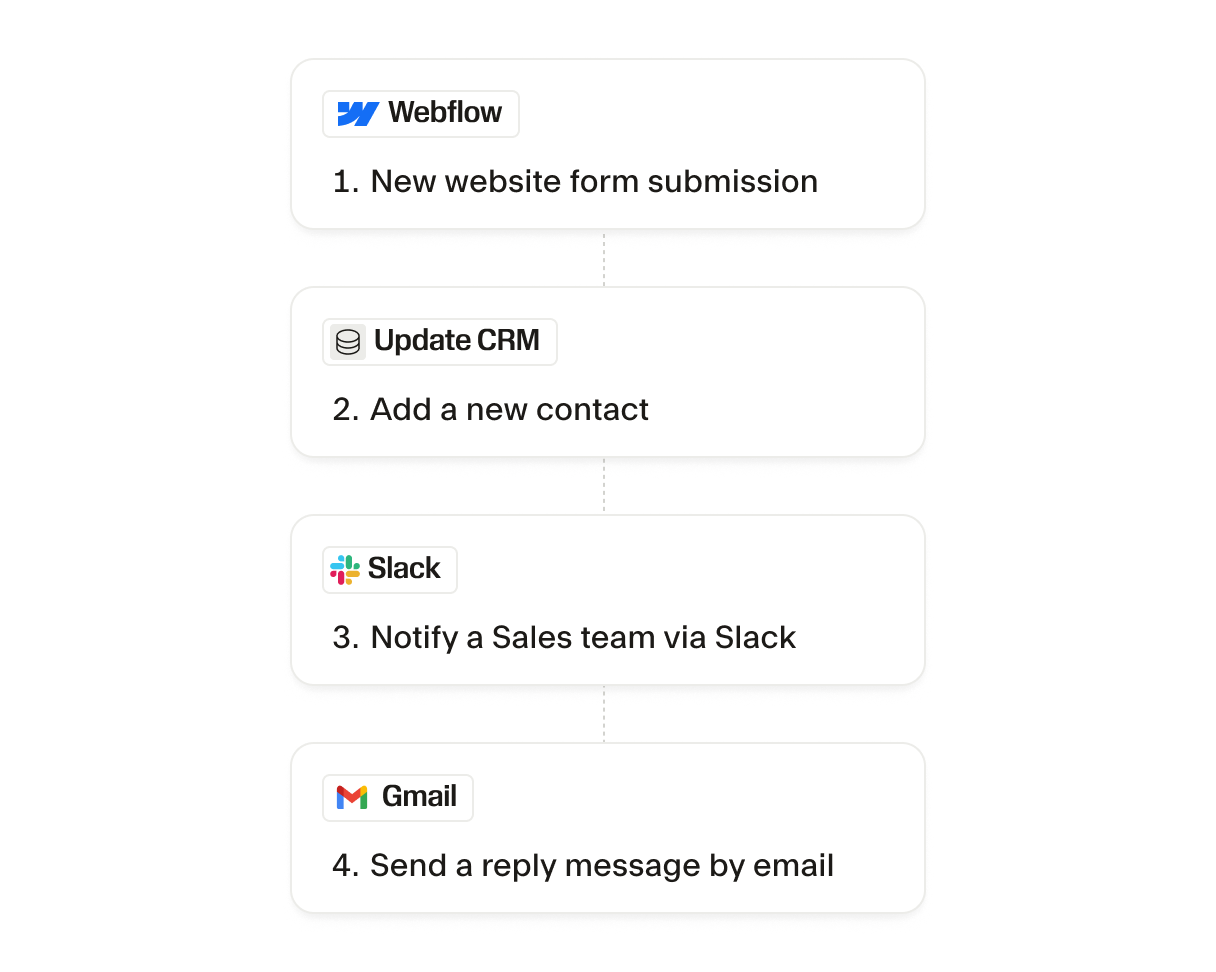
Why does Seamless use Zapier?
Seamless uses Zapier to connect apps and CRMs because Zapier gives you the freedom to optimize your lead generation and sales workflows based on your business’s greatest goals and pain points. With Seamless x Zapier, focus on closing deals.
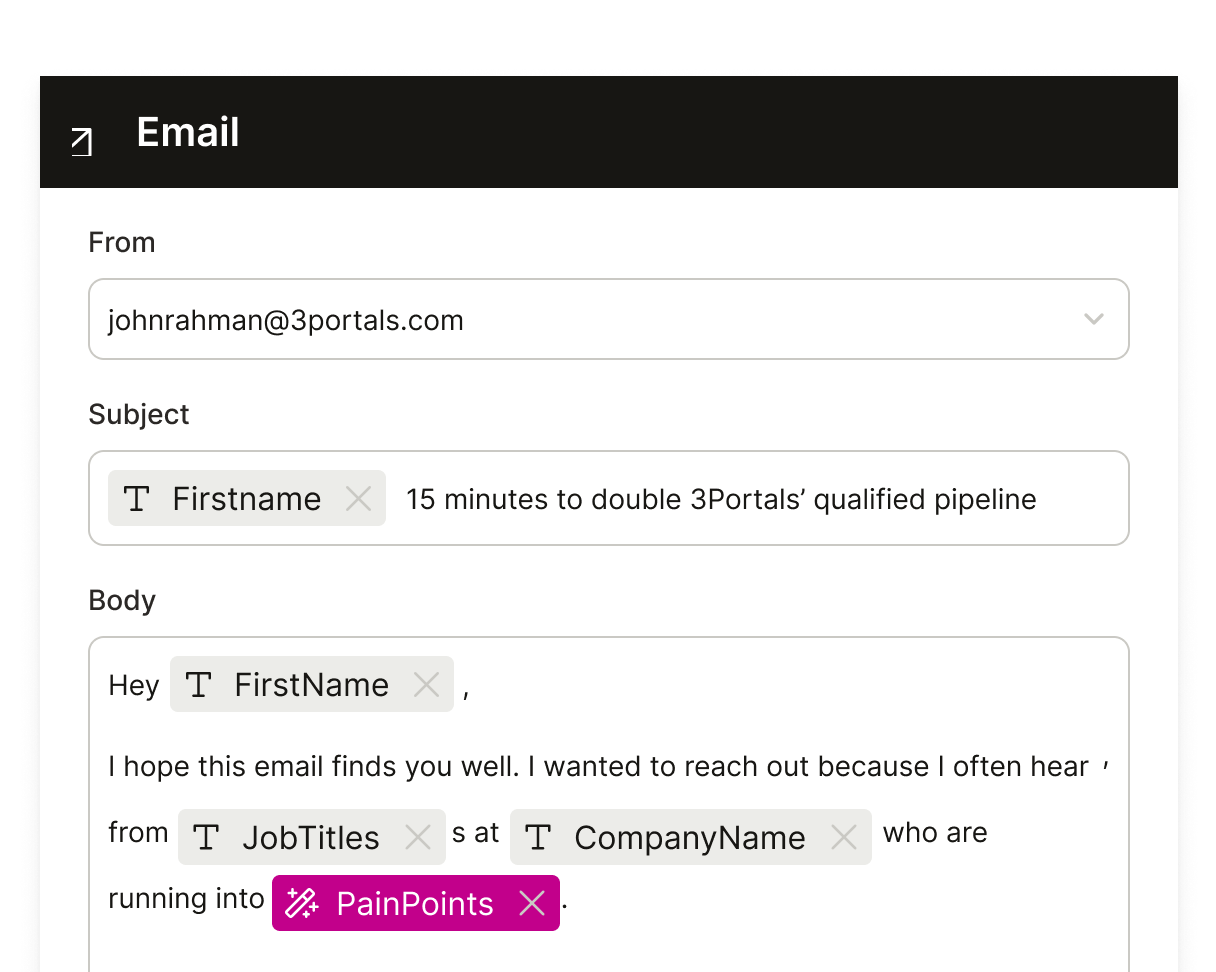
Improve lead nurturing
Timing is everything when it comes to turning prospects into customers. Automate your sales and prospecting workflows and respond to leads more quickly and efficiently. Set up Zaps that send personalized email sequences via your CRM or email platform for consistent and timely follow-ups.
Customizable to your needs
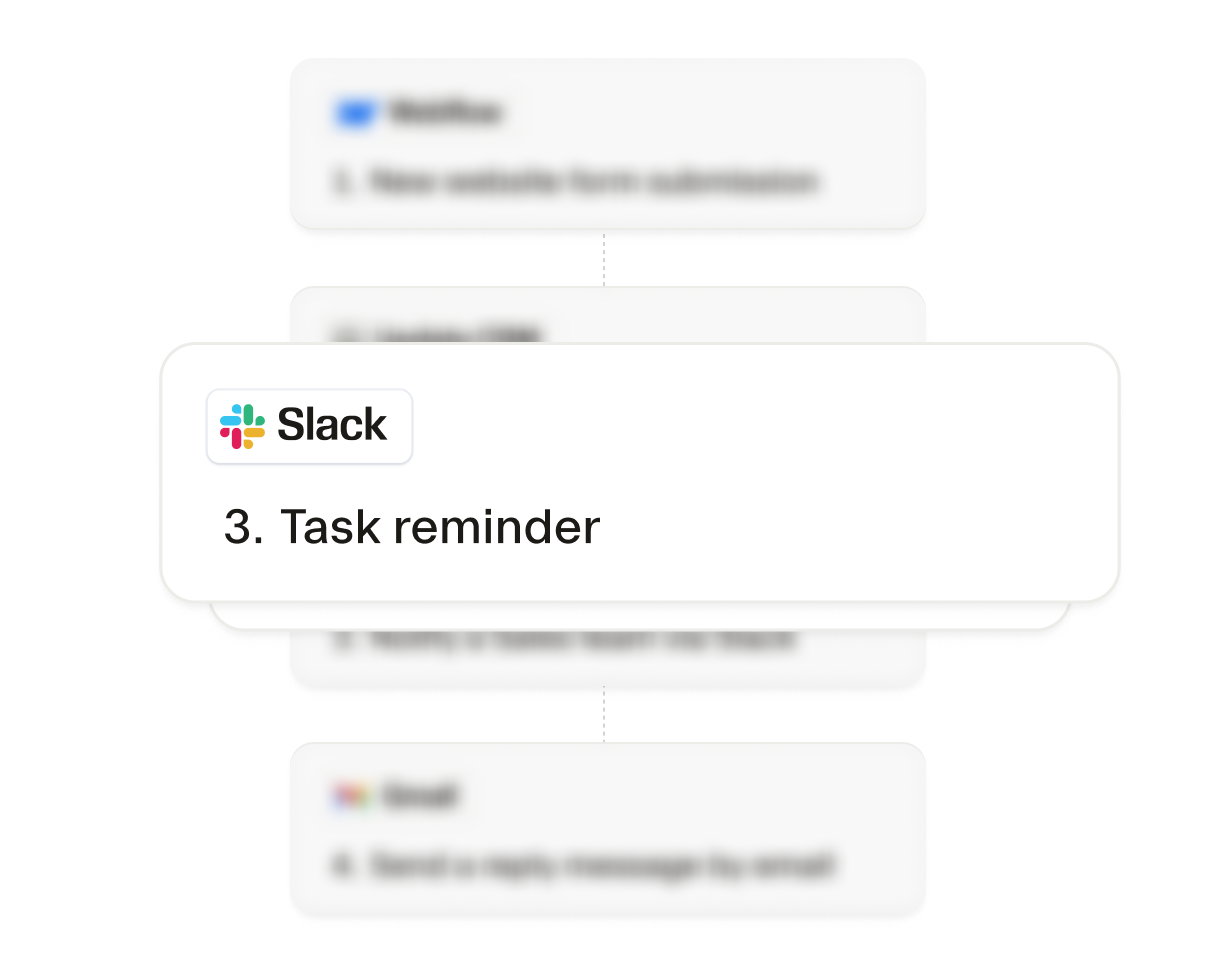
Seamless and Zapier integrations are completely customizable so we scale with your business. Tailor workflows based on your team’s specific needs. Whether you're sending data to marketing platforms, creating task reminders, or updating CRMs, the possibilities for customization are endless.
The AI power behind every winning team
From first prospect to final deal, Seamless unites real-time, verified data with intelligent automation to help teams sell smarter, grow faster, and power revenue at every stage of growth.