


Data-driven success
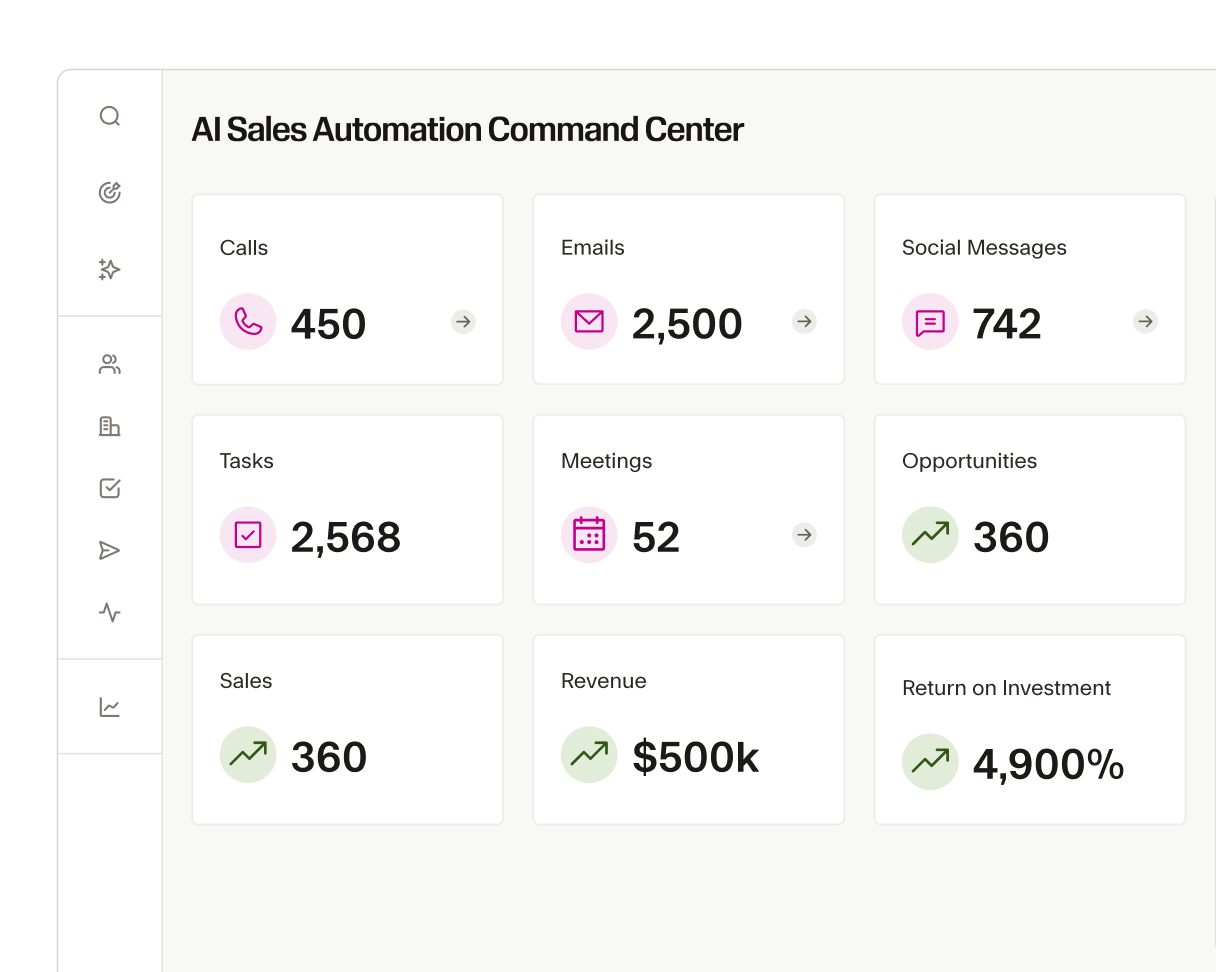
Gain real-time insights and automate your sales workflow to focus on what really matters—closing deals faster and more effectively.
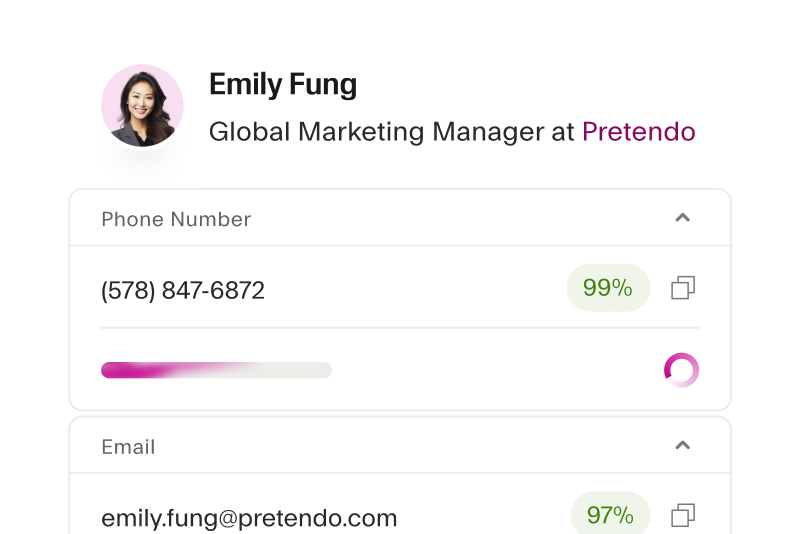
Keep SalesLoft contact data complete and current
Seamless automatically fills in data gaps, updates old records, and enriches your Salesloft contacts with verified emails and phone numbers so every touchpoint in your sales cadence is based on accurate information.

Personalize engagement with real-time insights
With Seamless, gain insight into job roles, company size, and buying signals directly within Salesloft. Execute more personalized outreach that resonates with your prospects.
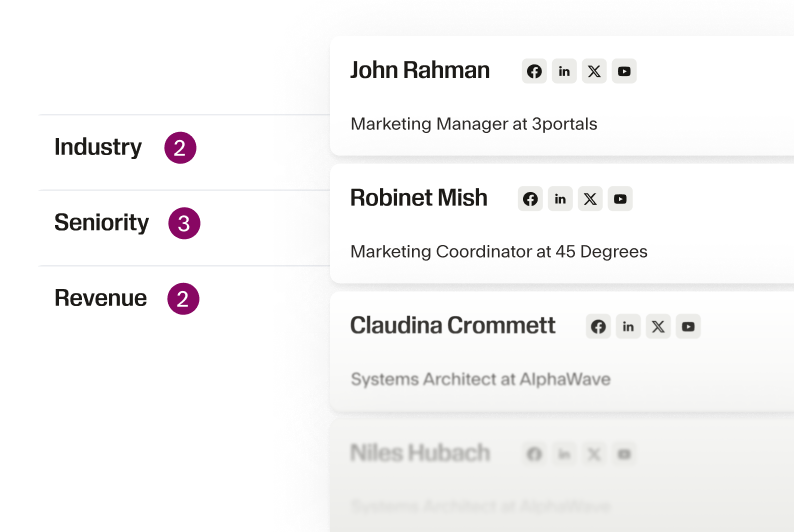
Automate your sales workflow
With the Seamless x Salesloft integration you can automatically build lists of 100s of contacts and bulk import them. No manual data entry. No wasted time. Just more time in the day to drive sales.
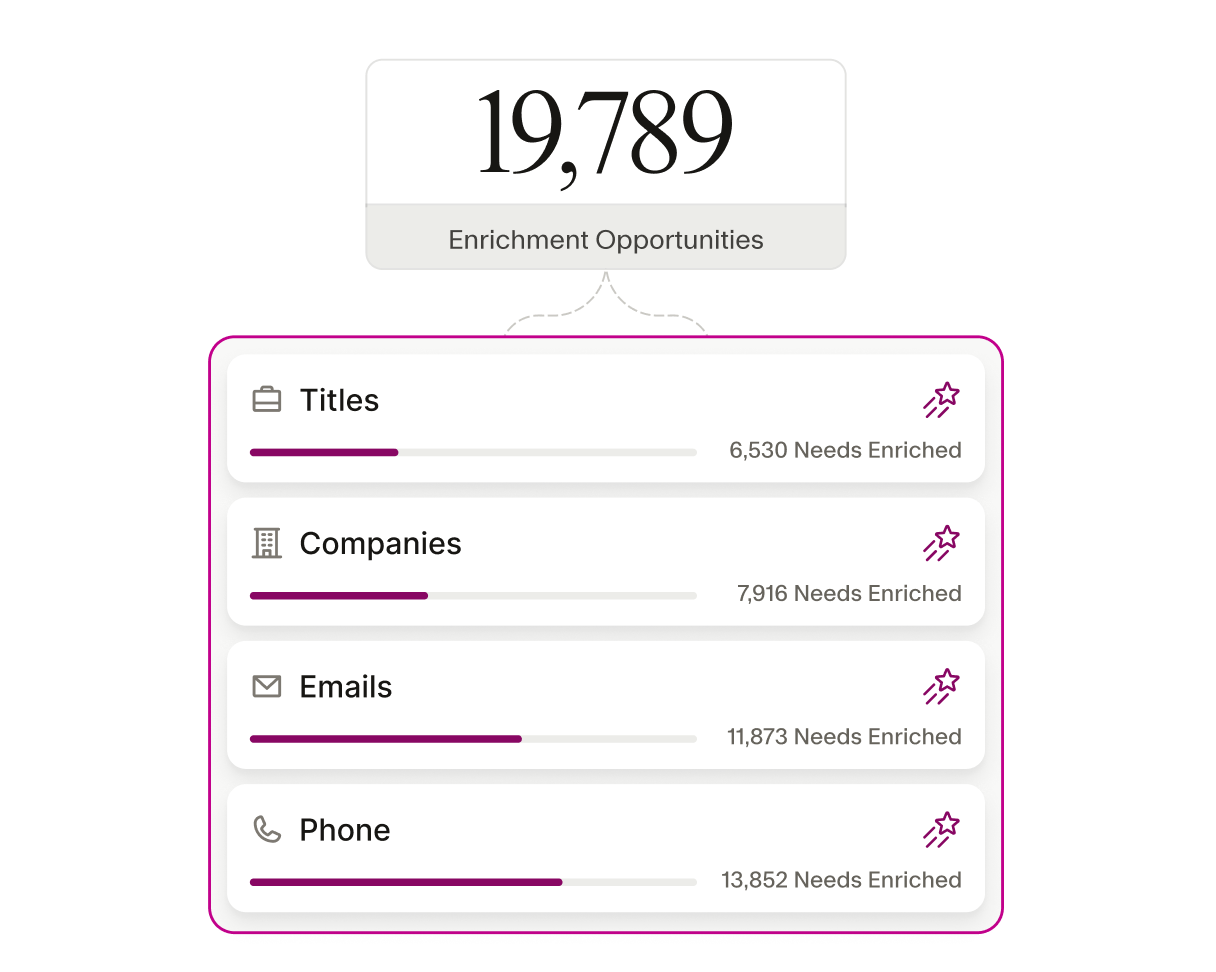
Simplify sales outreach
By automating data enrichment, the Seamless x Salesloft integration cuts down on the busy work of prospect research, data entry, and list-building for sales reps, so they can focus on engaging with prospects and closing deals.
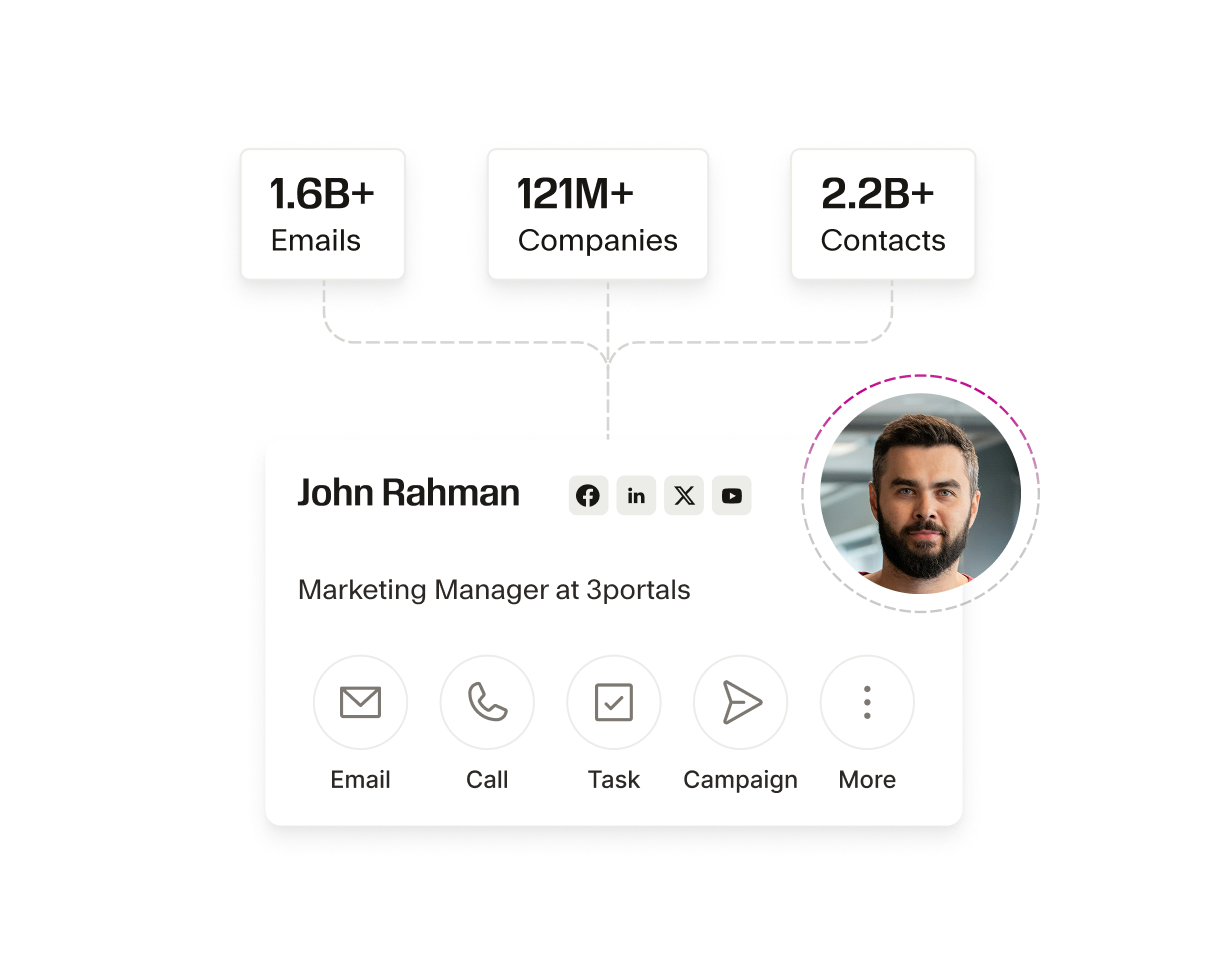
Data-driven decisions
Seamless provides over 100 data points for each lead, enhancing Salesloft’s analytics capabilities and empowering sales leaders to make better, data-driven decisions. Target the right prospects, write cadences in minutes, and improve your team’s overall sales performance.
Support team expansion seamlessly
As your sales team grows, the Seamless x Salesloft integration scales with you so all reps have access to the same high-quality leads and insights. Connect with ready-to-buy decision-makers, align sales strategy across the team, and dominate your market.
The AI power behind every winning team
From first prospect to final deal, Seamless unites real-time, verified data with intelligent automation to help teams sell smarter, grow faster, and power revenue at every stage of growth.






How do I connect my SalesLoft account to Seamless?

Do I need to manually map fields between Salesloft and Seamless?
How do I ensure data accuracy when importing contacts into Salesloft?
Can I automatically update my SalesLoft contacts using Seamless?
What should I do if I encounter issues with my Salesloft integration?