


Rev up your Pipedrive pipeline with automated leads
Integrate Seamless with Pipedrive to help your team engage the right prospects. Drive growth and maximize your Pipedrive ecosystem’s potential.
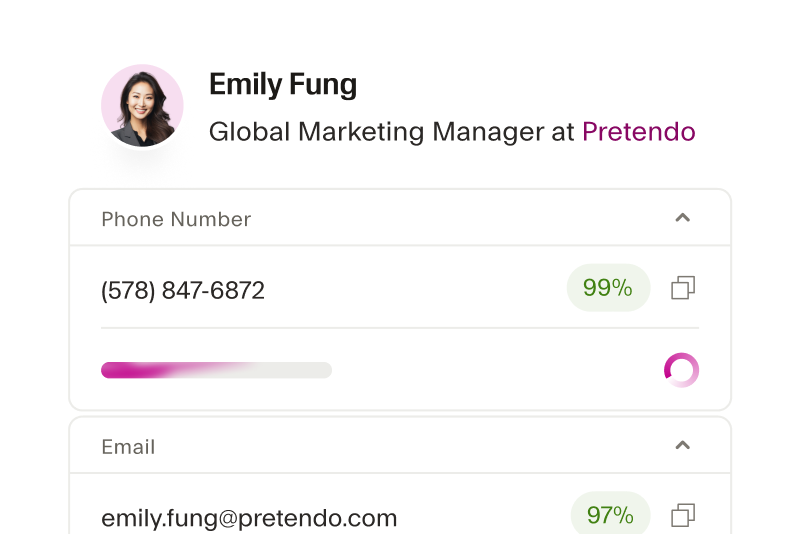
Real-time enrichment that drives growth
Add missing contact details and keep your CRM up-to-date with the most accurate information. With Seamless filling in the gaps, you'll never miss a potential lead because of outdated or incomplete data.
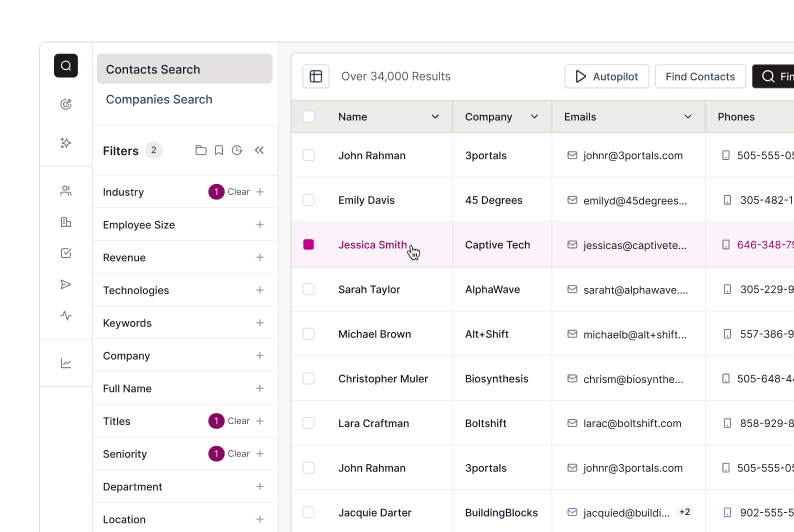
Simplify your sales process
With Seamless integrated into Pipedrive, your sales team can easily access and add ready-to-buy leads to the CRM in a few clicks. Prioritize high-intent leads, streamline your workflow, and get back to selling.
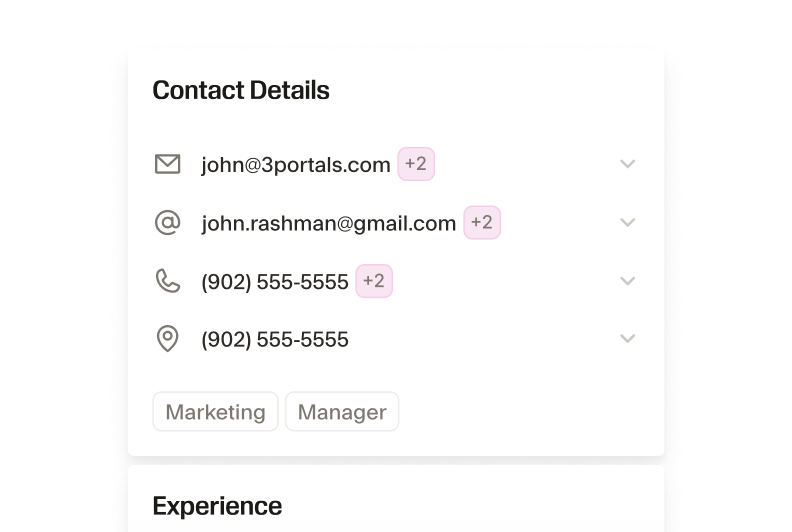
Boost the efficiency of your Pipedrive ecosystem
Seamless provides 100+ data points for each lead to enhance your lead scoring in Pipedrive. Efficiently prioritize leads and target the most promising prospects.
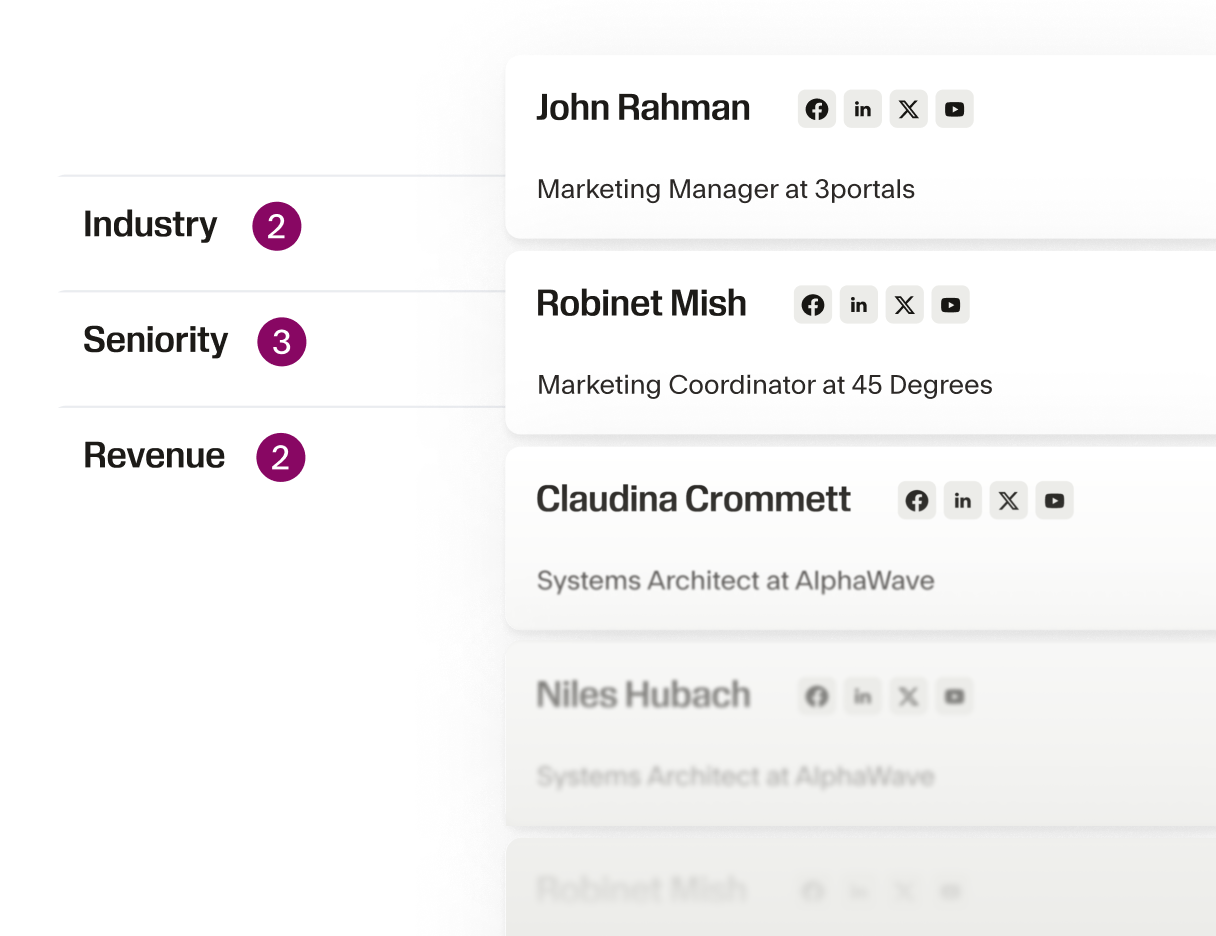
Find B2B prospects with Seamless
Use countless search filters including name, job title, company size, and industry to narrow down your search and identify contacts and companies that fit your Ideal Customer Profile. Get deep buyer and industry insights to reach out to the right person with the right message.
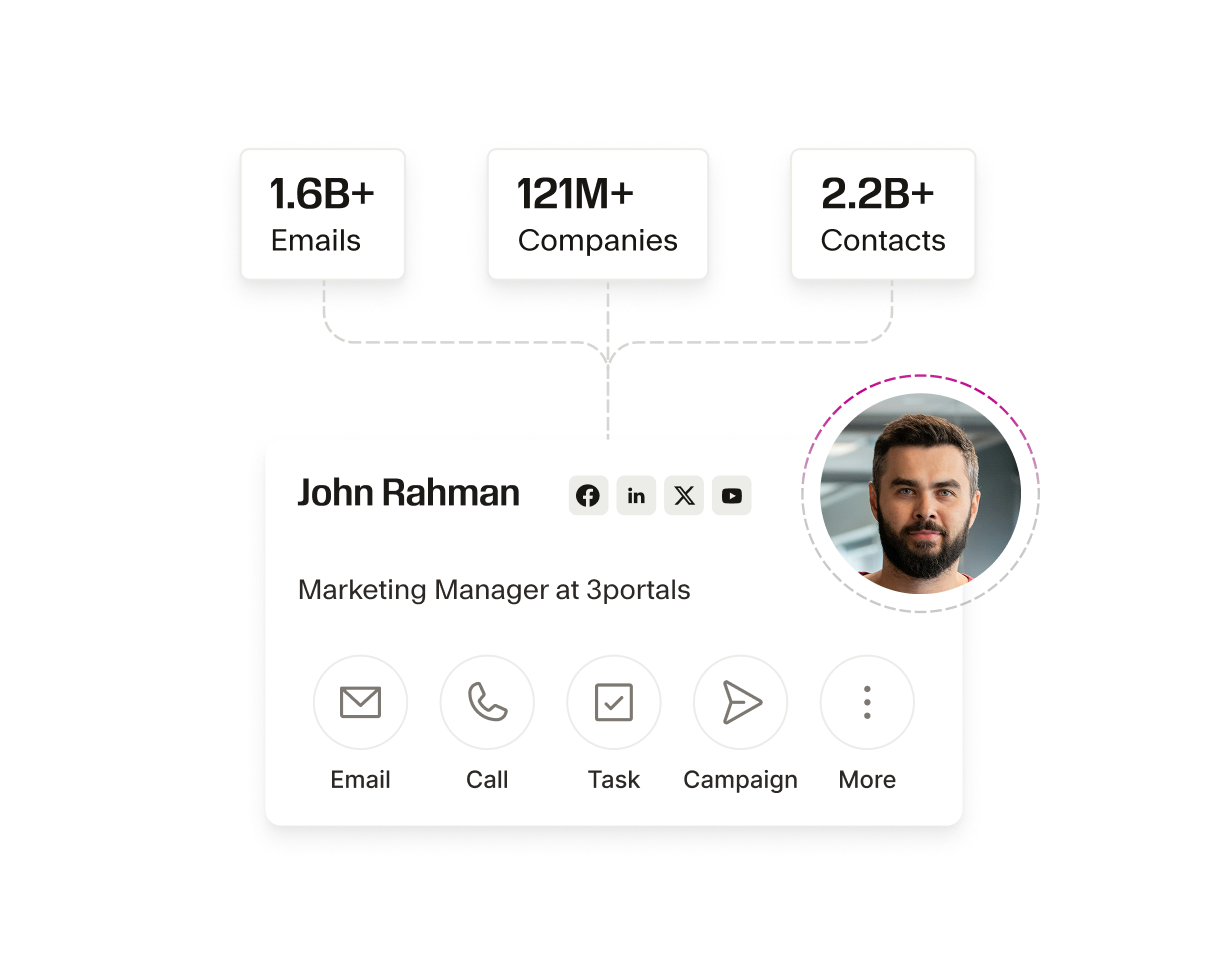
Scalability for growing pipedriver teams
As your team grows, the Seamless and Pipedrive integration can easily scale to accommodate increased data needs, making it easier to manage larger volumes of leads and contacts.
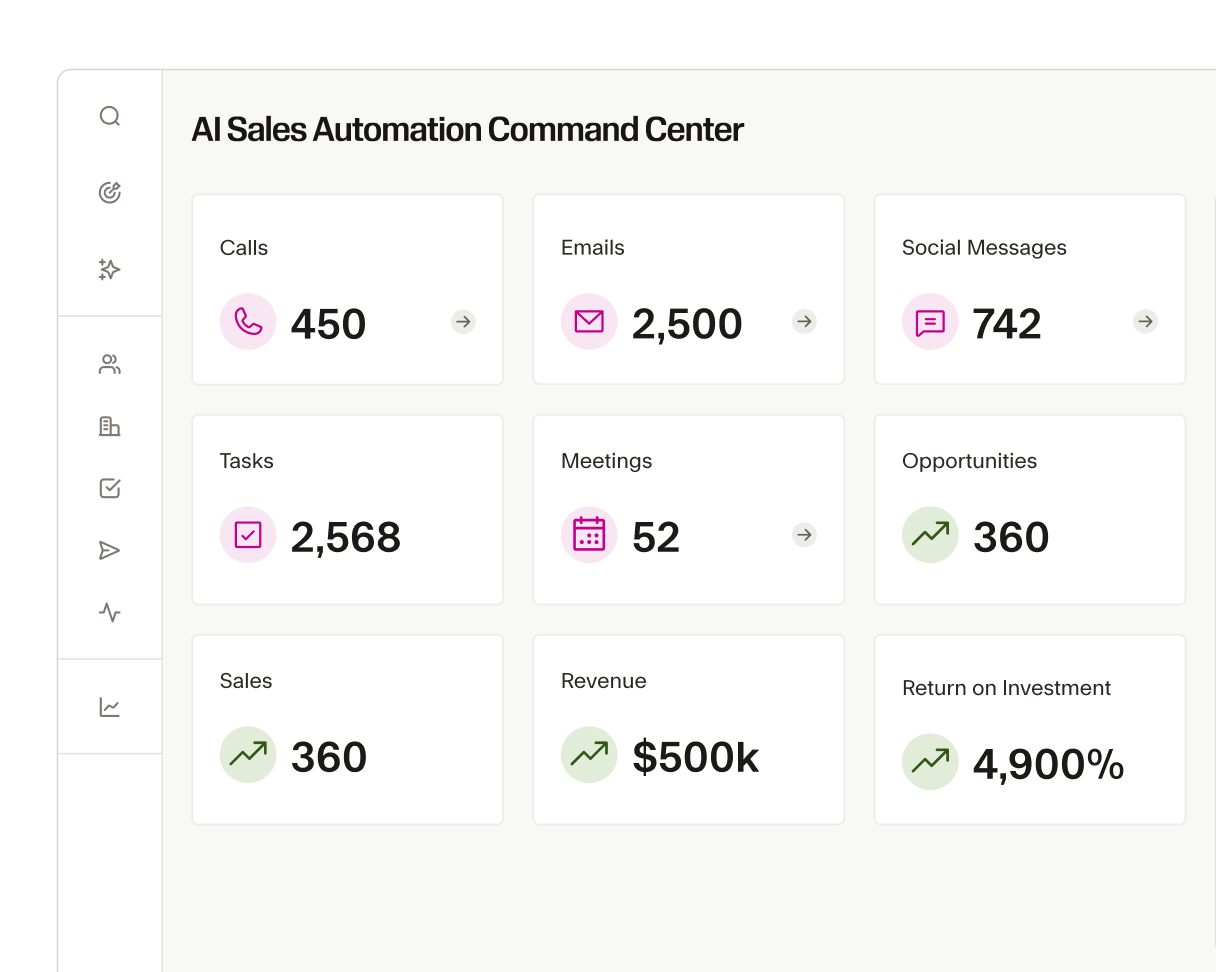
Integrate Pipedrive with Seamless in minutes
Connecting Pipedrive with Seamless is quick and effortless, and it only takes a few minutes to set up. Once integrated, you can instantly start importing verified leads into your CRM and building your pipeline with automated ease.
The AI power behind every winning team
From first prospect to final deal, Seamless unites real-time, verified data with intelligent automation to help teams sell smarter, grow faster, and power revenue at every stage of growth.






How do I set up the Pipedrive integration with Seamless?

What data can be synced between Seamless and Pipedrive?
Will the Seamless integration create duplicate contacts in Pipedrive?
Does the Seamless integration support multiple Pipedrive accounts?
Can I customize the data imported to Pipedrive?