


Simplify sales and keep your contact data fresh
By integrating Seamless with Keap CRM, small businesses can automate time-consuming prospecting and maintain up-to-date contact data, all while staying true to Keap’s mission of simplifying sales for growing businesses.
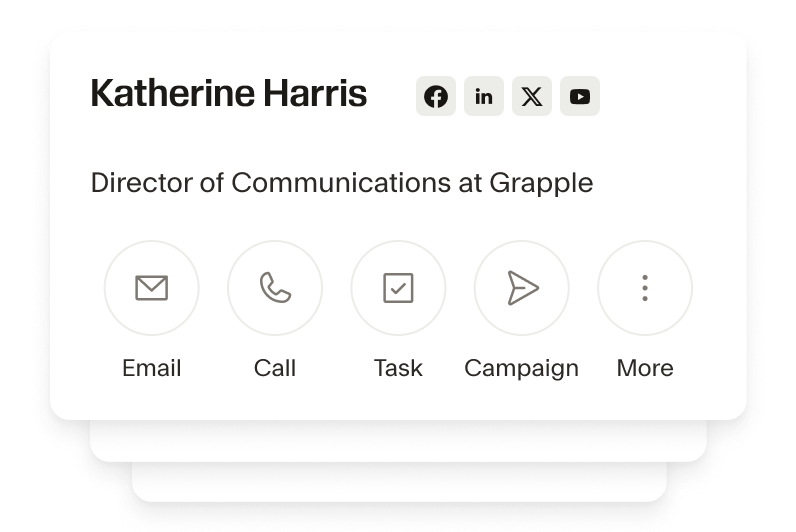
Effortless lead generation for small business growth
Seamless makes lead generation easy by identifying high-quality prospects that fit your target audience, and automatically importing them into the Keap CRM. Build contact lists of 100s instantly. Focus less on busy work and more on nurturing relationships.
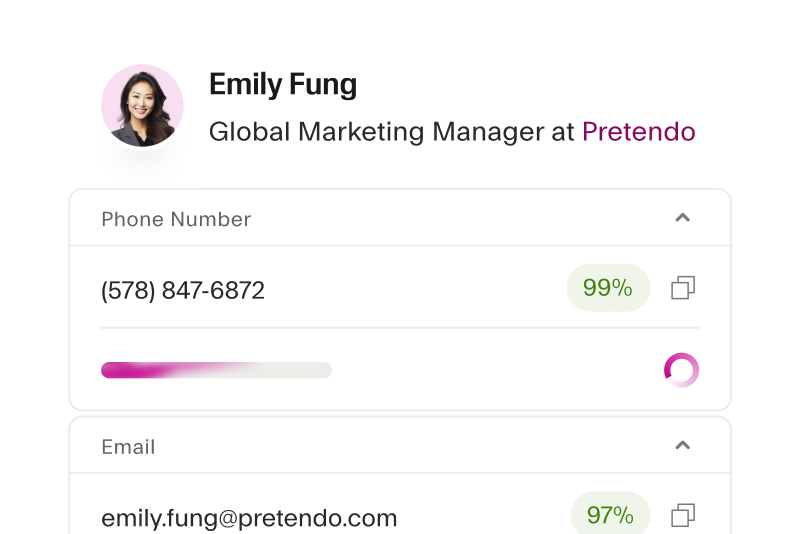
Automated contact enrichment for better organization
Instead of manually updating records, Keap users can automatically fill in missing contact information like emails, phone numbers, and company details. Get a comprehensive view of leads and keep your contact database up-to-date.
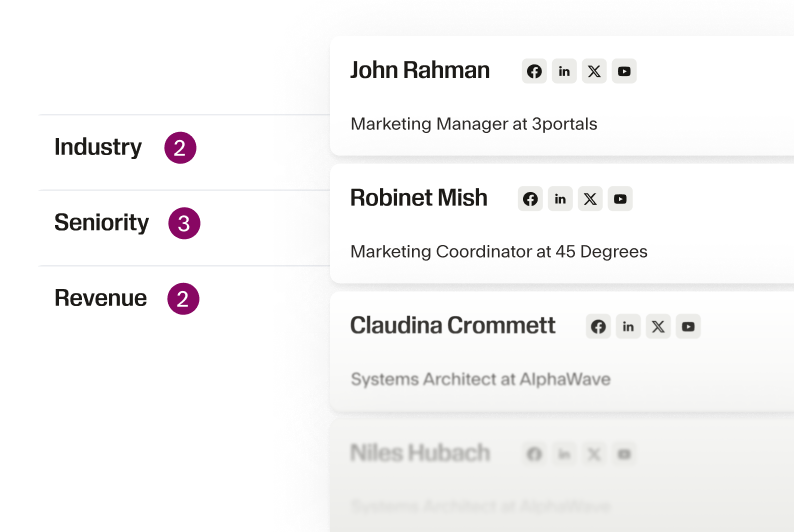
Enhanced segmentation and targeting
The Seamless x Keap integration allows users to quickly segment contacts based on enriched data like job title, company size, and industry. This means your email campaigns, automated workflows, and follow-ups can be personalized and relevant.
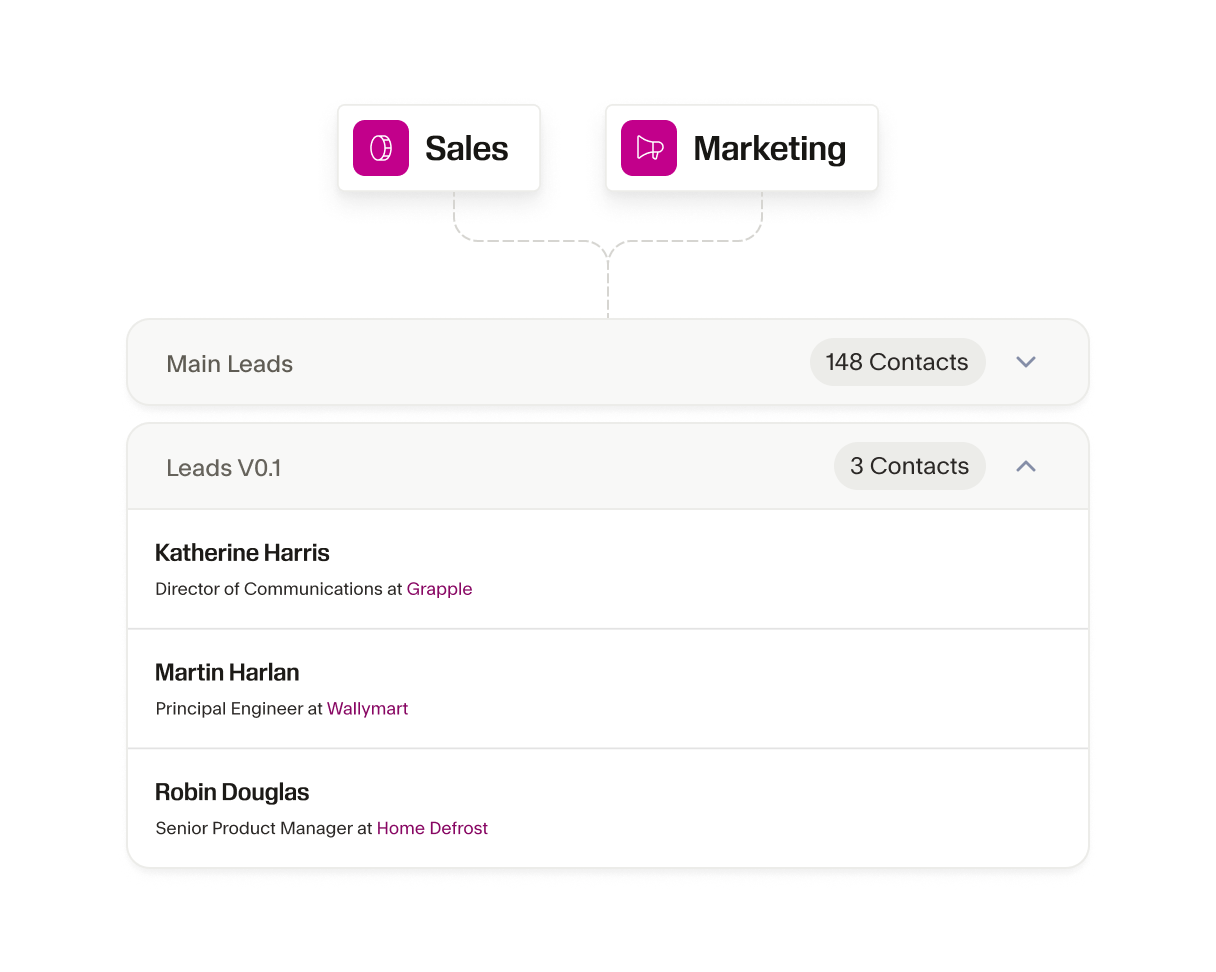
Streamlined workflows for sales and marketing alignment
With the Seamless x Keap integration, your sales and marketing teams can better align, fuel automated marketing campaigns, improve follow-up strategies, and ensure your entire customer engagement strategy works in harmony.
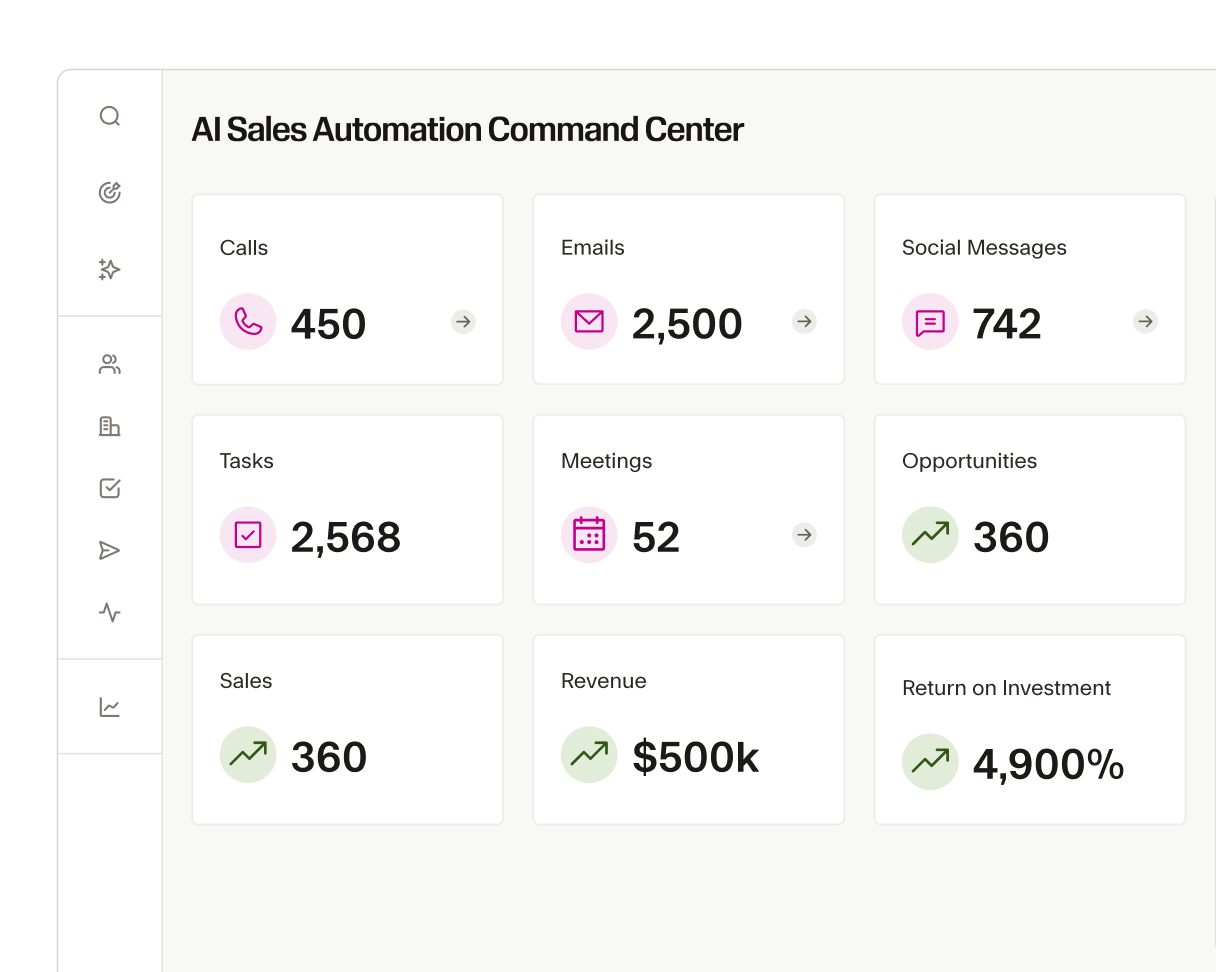
Cost-effective solution for small business budgets
Keap is built for small businesses that need effective tools without the enterprise price tag. The Seamless integration delivers on your sales lead needs so you can connect with ready-to-buy leads without adding costly software tools.
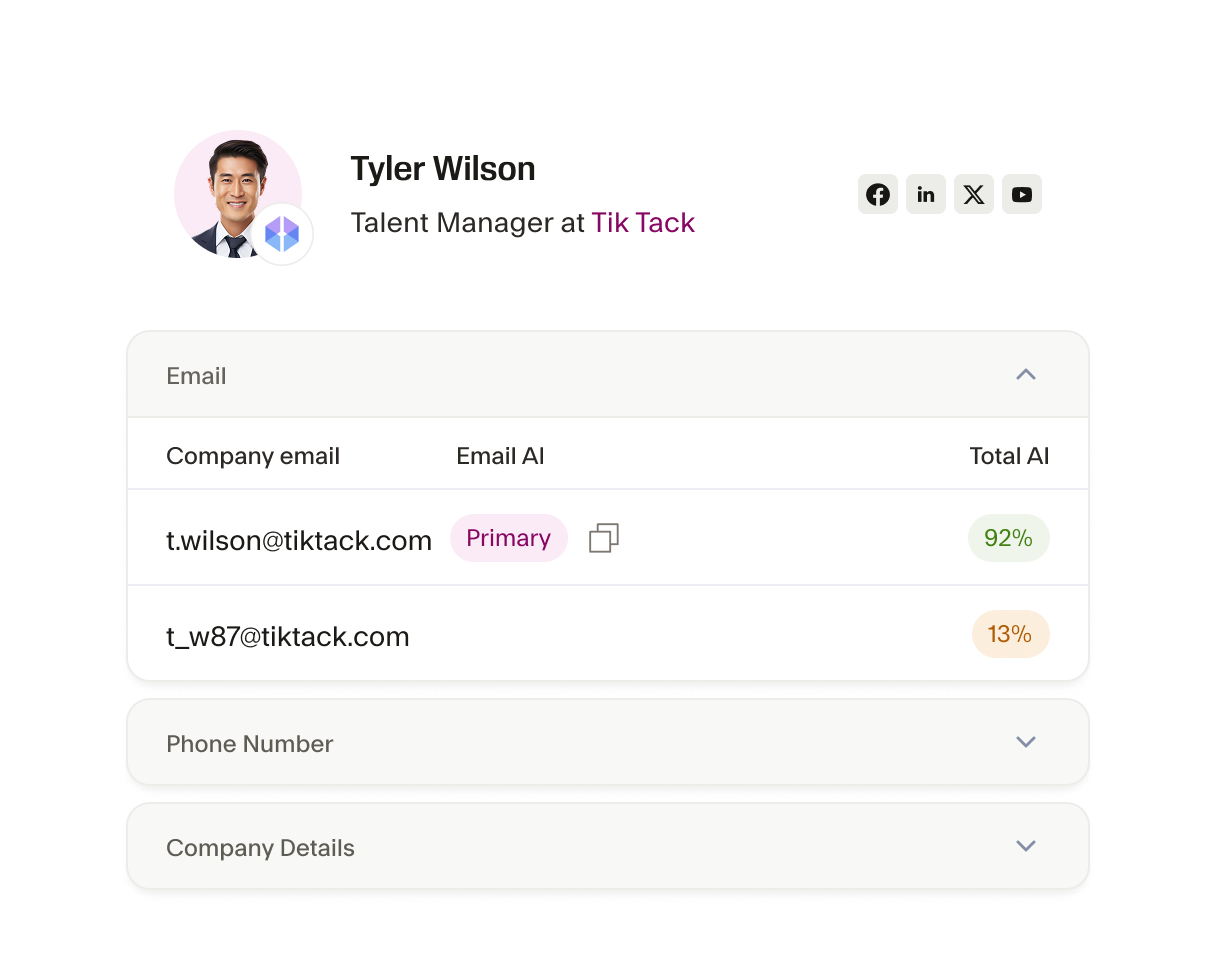
Keep your CRM clean and up-to-date
Keap users often face challenges with stale or duplicate data clogging their CRM. The Seamless x Keap integration solves this issue by regularly updating and verifying your contact information in real-time. This ensures that you eliminate the headache of bad data and keep your CRM clean.
The AI power behind every winning team
From first prospect to final deal, Seamless unites real-time, verified data with intelligent automation to help teams sell smarter, grow faster, and power revenue at every stage of growth.






How do I connect my Keap account to Seamless?

Does Seamless support bulk importing of leads into Keap?
Can Seamless integration scale with my growing business in Keap?
Can I customize how the data flows from Seamless to Keap?
What should I do if I encounter issues with my Keap integration?