


Flood your HubSpot CRM with sales opportunities
Set up your HubSpot integration with Seamless so you can focus on closing more deals and driving growth.
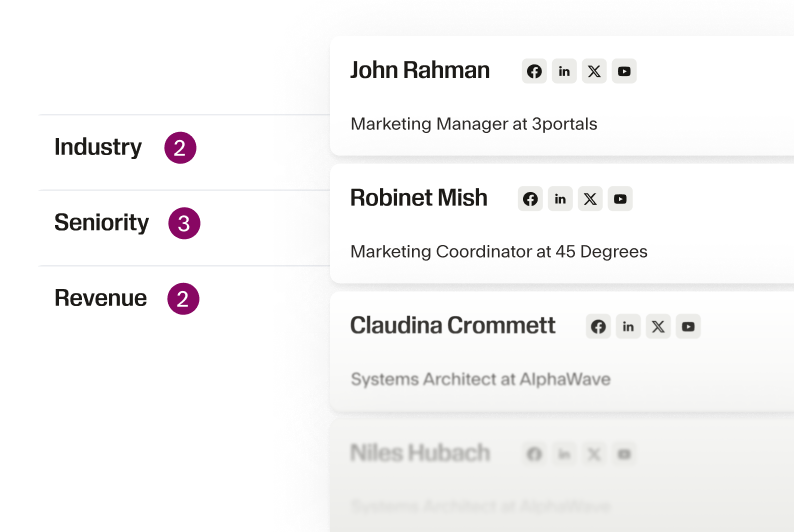
Eliminate tedious manual tasks
Take list-building down from hours to minutes and eliminate manual data entry. Automatically import leads directly into HubSpot in a few clicks, without the extra legwork.
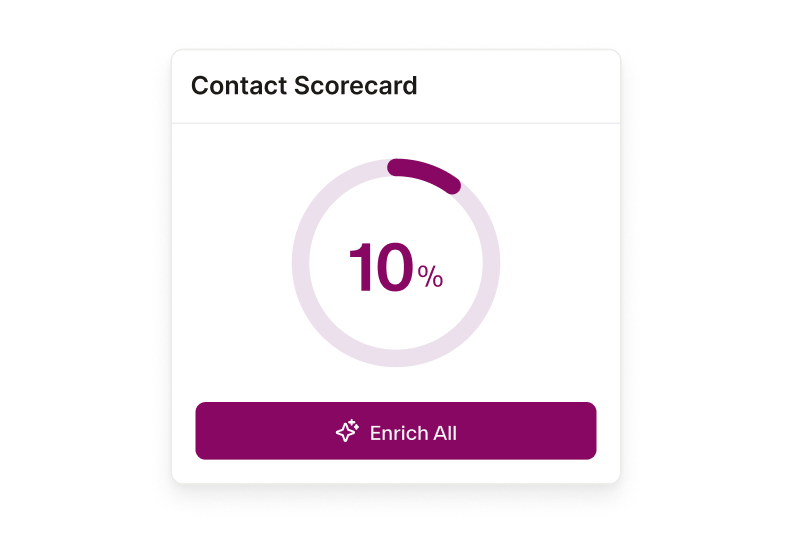
Seamlessly update your records
Integrate with Seamless to ensure that your contact database is always up-to-date. Get enriched data on contacts within HubSpot including company details so you can better understand your prospects and tailor your outreach.
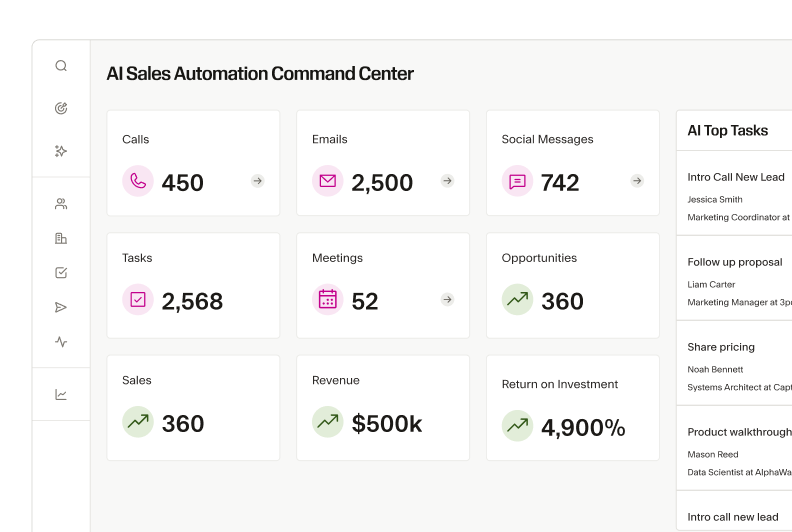
Boost HubSpot lead scoring with seamless insights
Enhance HubSpot’s lead scoring with 100+ additional data points from Seamless. Gain a more accurate snapshot of sales opportunities, prioritize high-quality leads, and improve customer outreach.
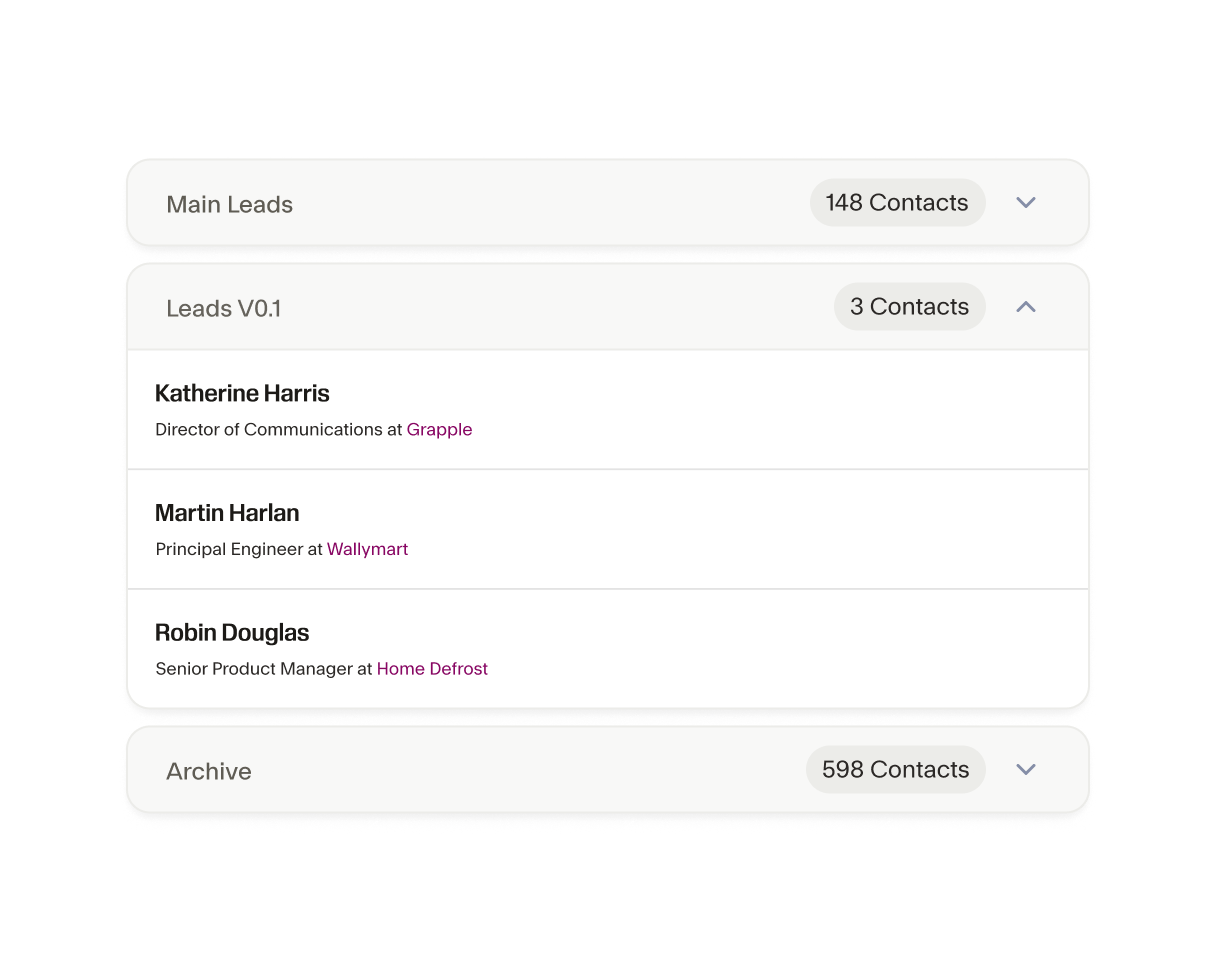
Take charge of your data imports
Take control over HubSpot imports. Pick and choose what you want to import. Set match scores to avoid duplicate entries. And customize import mappings to keep your data organized no matter where it lives.
Find new prospects that match your best customers
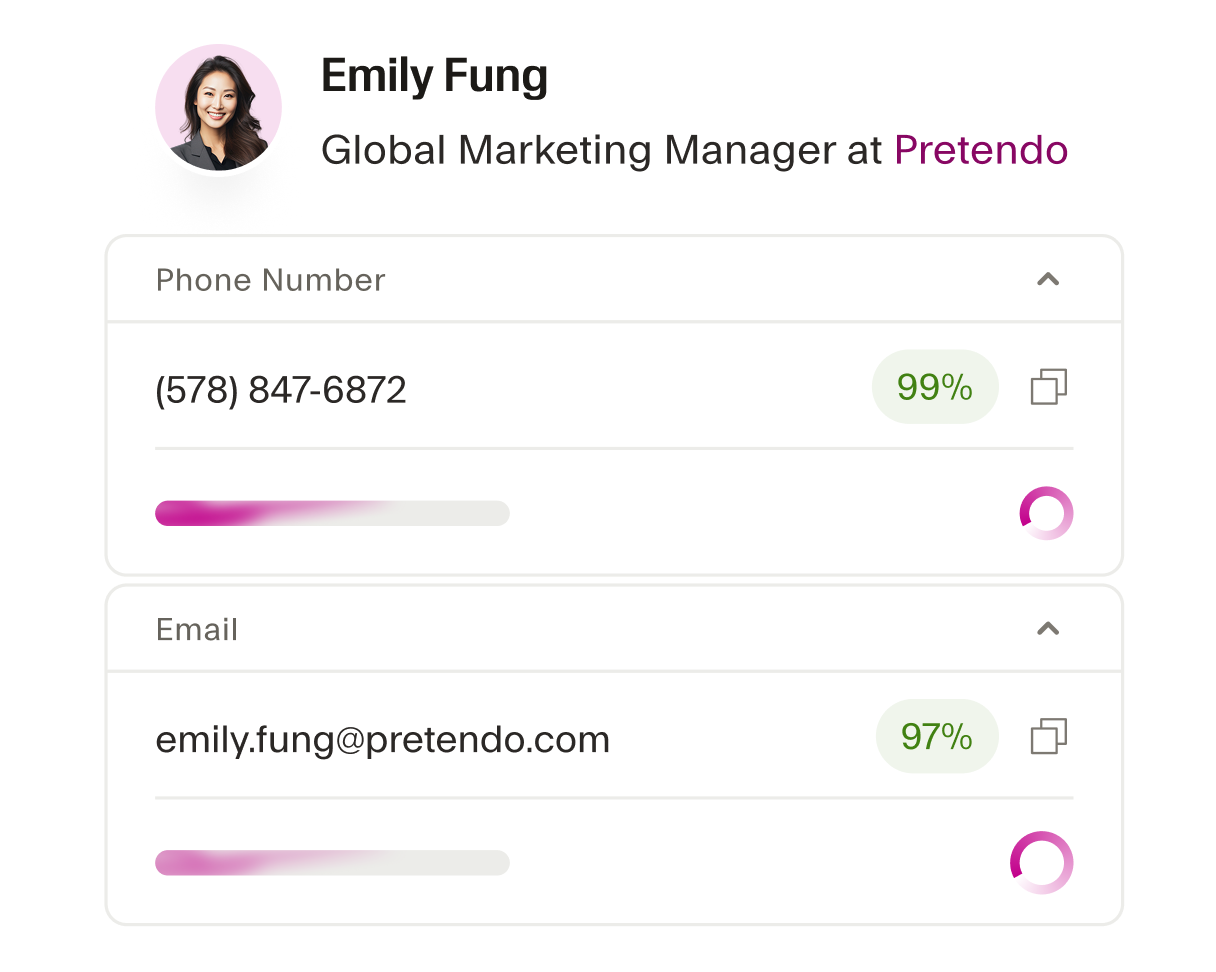
Seamless’ advanced AI engine identifies look-alike contacts and accounts directly within HubSpot, helping you uncover new, ready-to-buy prospects that closely match your ideal customer profile.
Elevate your customer engagement strategy
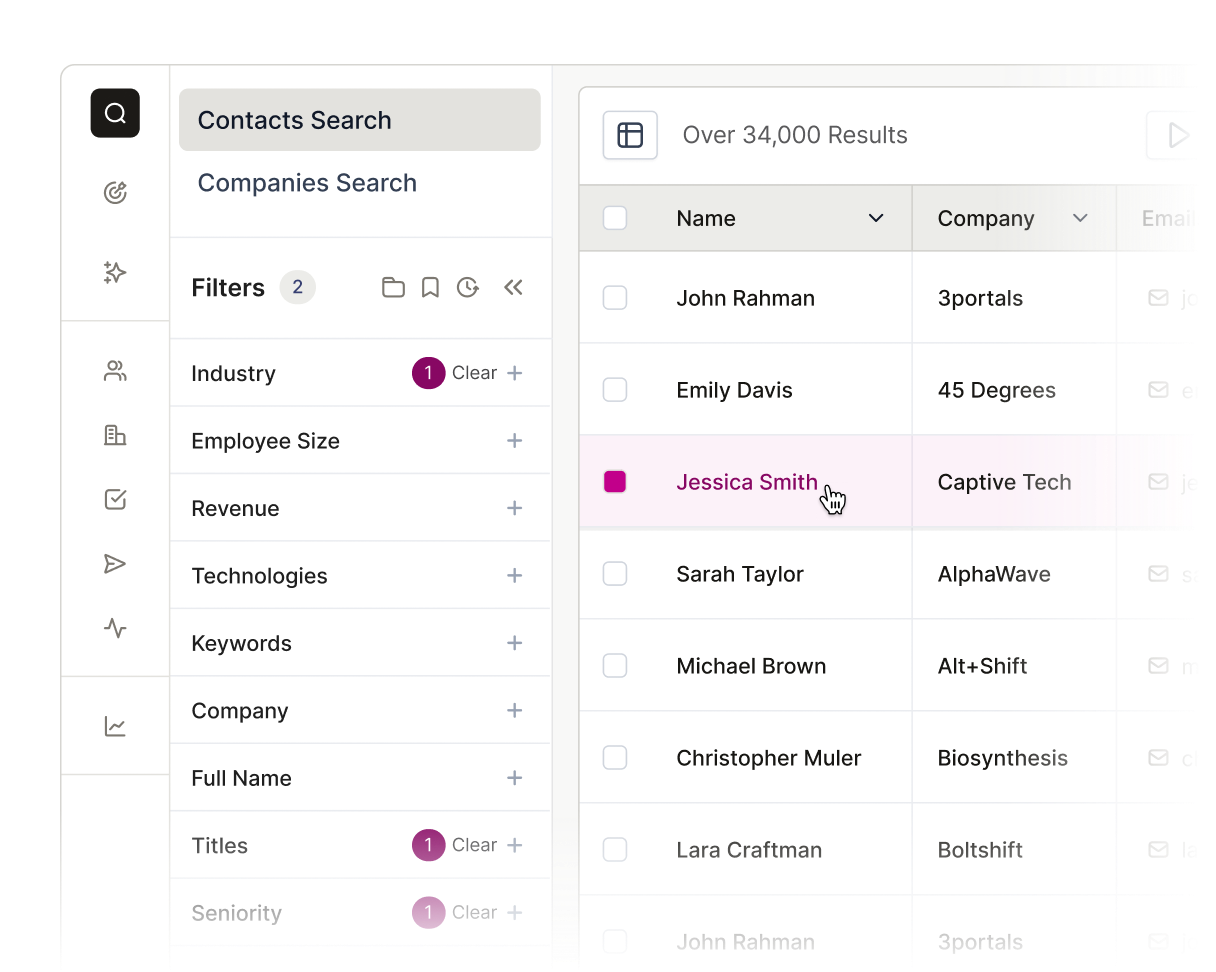
Make prospecting a no-brainer. Discover every key player within any account in HubSpot. Maximize your outreach efforts by ensuring you never miss a decision-maker at your target accounts.
The AI power behind every winning team
From first prospect to final deal, Seamless unites real-time, verified data with intelligent automation to help teams sell smarter, grow faster, and power revenue at every stage of growth.






How do I set up the HubSpot integration with Seamless?

What data can be synced between Seamless and HubSpot?
Can I customize the data fields that are imported into HubSpot?
Is the data imported into HubSpot automatically updated?
What should I do if I encounter issues with my HubSpot integration?